- 50 -
1WFM6R
1. Enter programming by pressing:
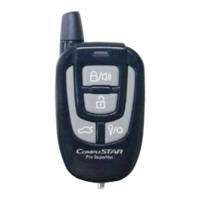
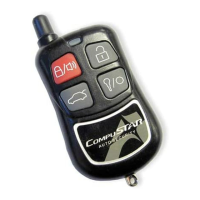
a. The (trunk) button, and the (start) button simultaneously until
the parking lights flash once. This is Menu 1.
b. The (trunk) button, and the (stop) button simultaneously until
the parking lights flash once. This is Menu 2 .
2. Press the (start) button until the parking lights flash, do this 3 times.
3. The parking lights will flash three times, signaling that all of the
options have been reset, and that you have exited programming mode.
All 2-Way Remotes
1. Enter programming by pressing:
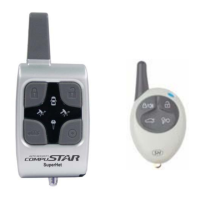
a. Button ( I ), and button ( II ) simultaneously until the parking
lights flash once. This is Menu 1.
b. Button ( I ), and button ( IV ) simultaneously until the
parking lights flash once. This is Menu 2.
2. Tap button ( III ) 3 times, waiting for a parking light flash between
each time.
3. The parking lights will flash three times, signaling that all of the
options have been reset, and that you have exited programming mode.







 To Next Page