IP CAMERA QUICK START GUIDE
7. Number Plate Capture
The CVP9324DNIR-IP4M, CVP9324DNIR-IP4M-G, and CVP9324DNIR-IP4M-Z models are ideal
for Number Plate Capture installations. Simply follow the instructions below to congure the
settings for Number Plate Capture.
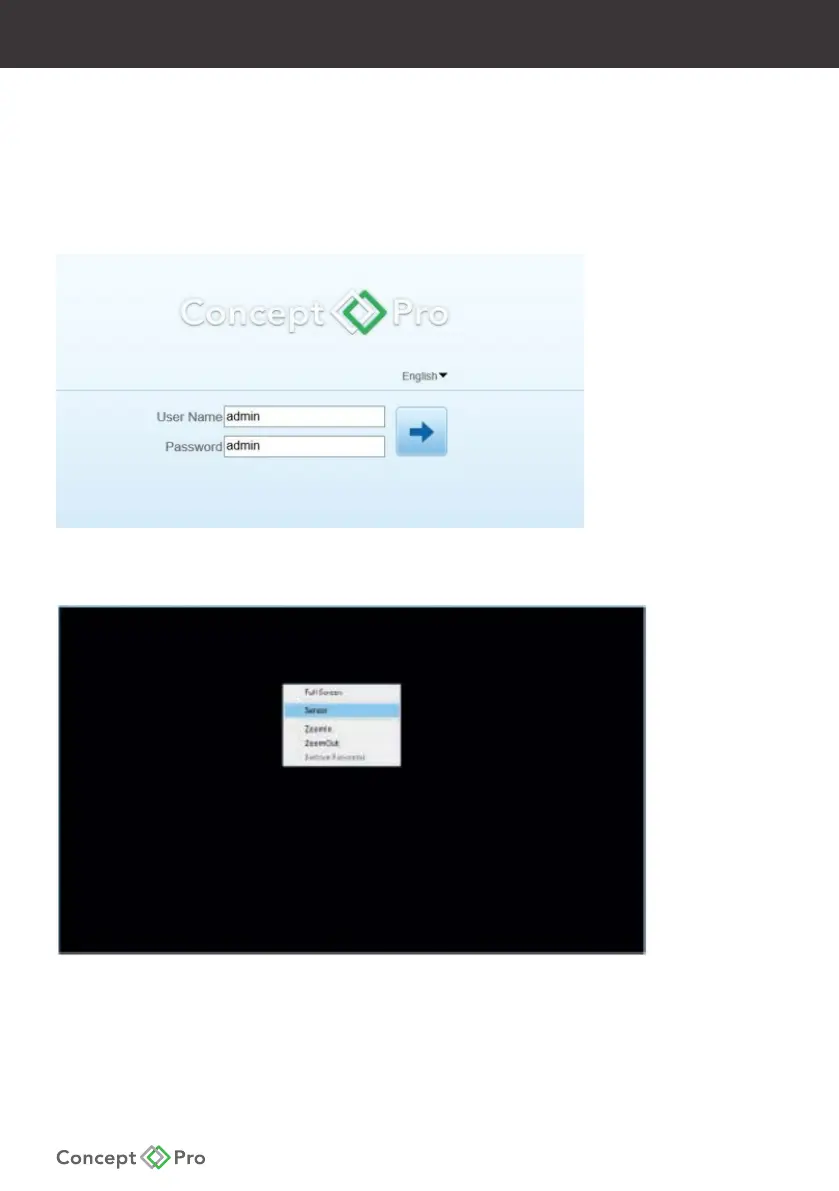
1. Connect the Concept Pro IP camera to a PoE switch and PC. Navigate to the IP camera
web interface.
2. From the live video stream, right-click the video and select ‘Sensor’.










 To Next Page