IP CAMERA QUICK START GUIDE
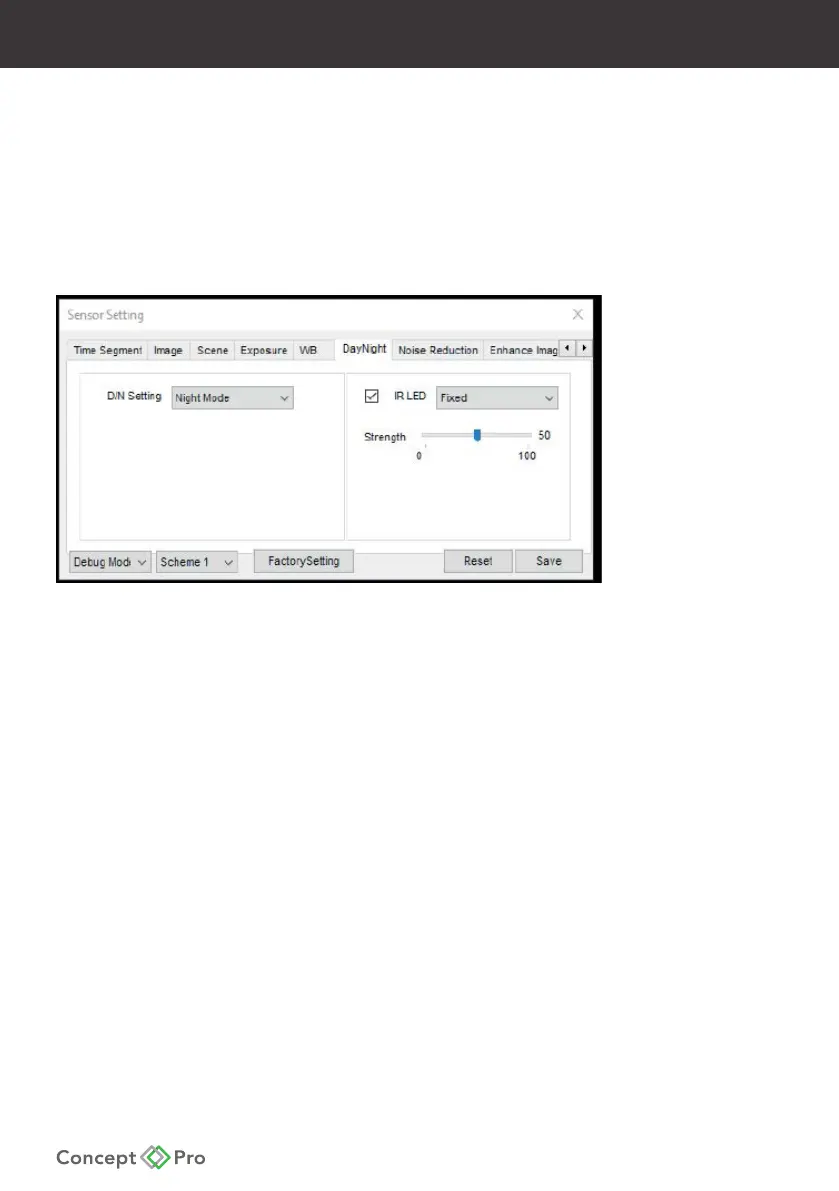
5. Select the DayNight tab and apply the following settings:
- D/N Setting > Night Mode
- IR > Fixed
- Strength > 50%*
* This setting may require adjusting depending on the installation environment.
Please be sure to test and just settings for optimal performance.
6. Select the Enhance Image tab and apply the following settings:
- HLC > On @ 100
- Anti-shake > On
7. Click Save, then Yes.
Switch from Debug Mode back to Standard Mode and close the window.










 To Next Page