If before starting, the system not to install hard disk, into the system, will tip: system didn't detect any hard disk connection!
Note:
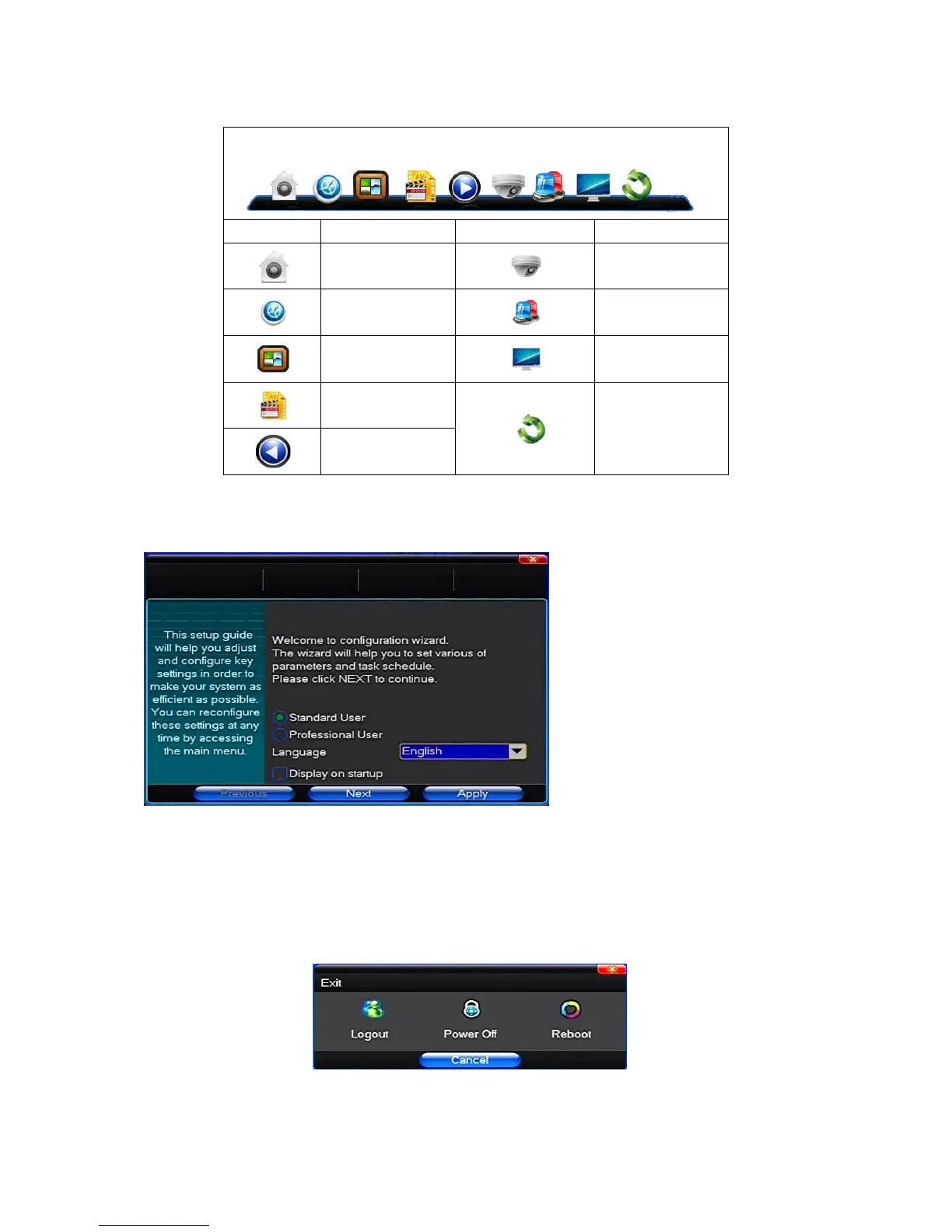
In this dialog you can select language and quickly set various of parameters.
3.3 Shutdown
There are two safety mode for Shutdown
Enter【Exit】,select【Power Down】.
Abnormal shutdown
Through the rear panel to shutdown
During the DVR running, directly to turn off the power through the rear panel power switch, please avoid as much as possible to do it. (specially while the DVR



 To Next Page