25
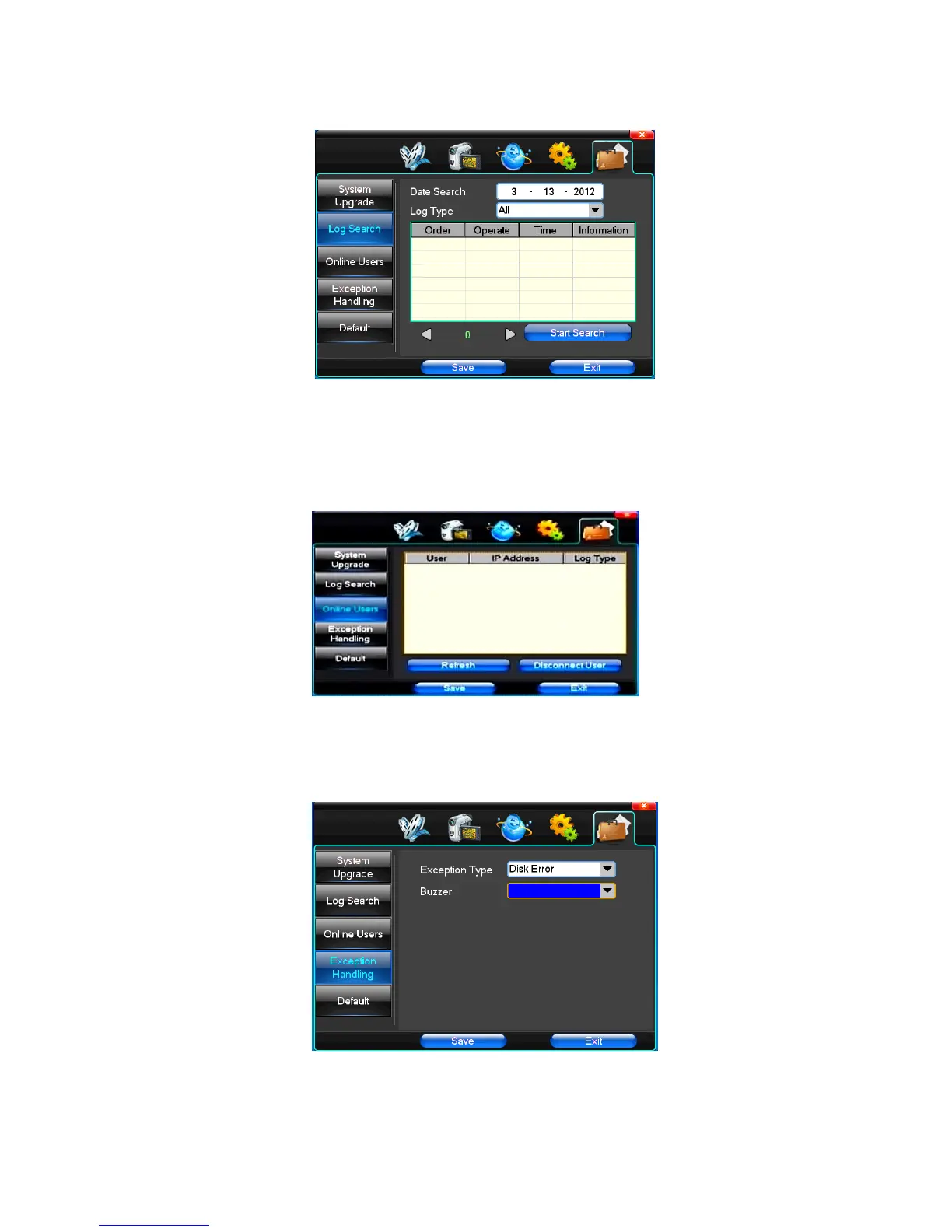
(2)Log Search
【Date Search】Can search according to date
【Log Type】Optional: all, operation log, set diaries, alarm log, error log
Note: according to the left, right arrow can move forward and content.
(3)Online Users
Display the users who are visiting the DVR.
(4)Exception Handling
【Exception Type】Choose abnormalities: hard disk full, hard disk errors, network connection.
【Buzzer】When abnormality, choose whether to allow the buzzer hints.
(5)Default



 To Next Page