6.1.5.6 Add the shot
Please see the operation introduction of “add devices”.
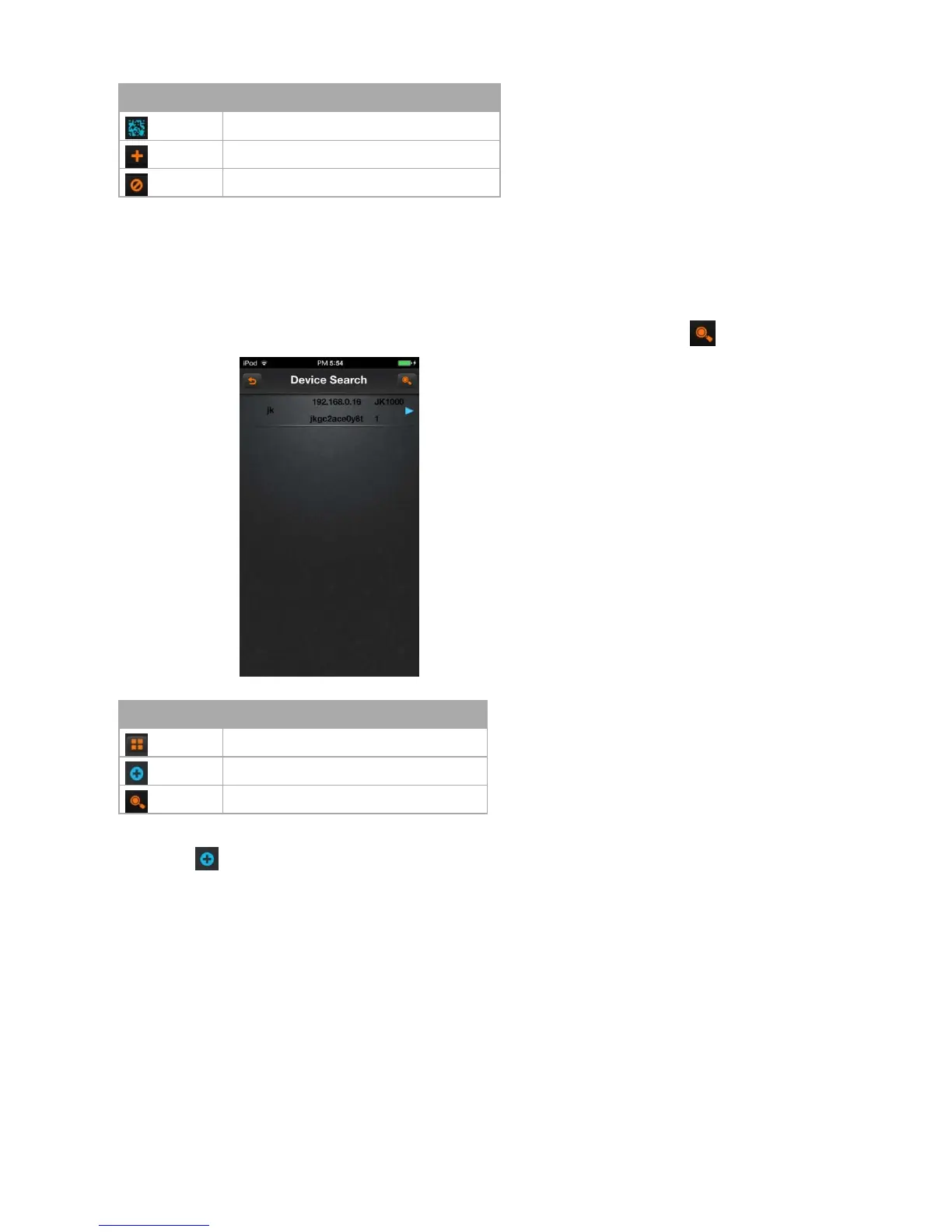
6.1.5.7 Search the local device
Click on the icon to enter “search” dialog box. If there are some devices in local place, you would search out the corresponding device.
Icon instruction
Click on the icon , then pop up the menu as follows:
A)Add a device: add DVR (multi- channel)
B)Add a shot: add a single camera (single channel)
C)Modify the name: modify the name of the device or shot
D)Modify IP: Modify the IP address, subnet mask, gateway information
E)Modify the device password
6.1.6 Playback
Click button “playback” option in the main menu, and then select to playback the video.



 To Next Page