38
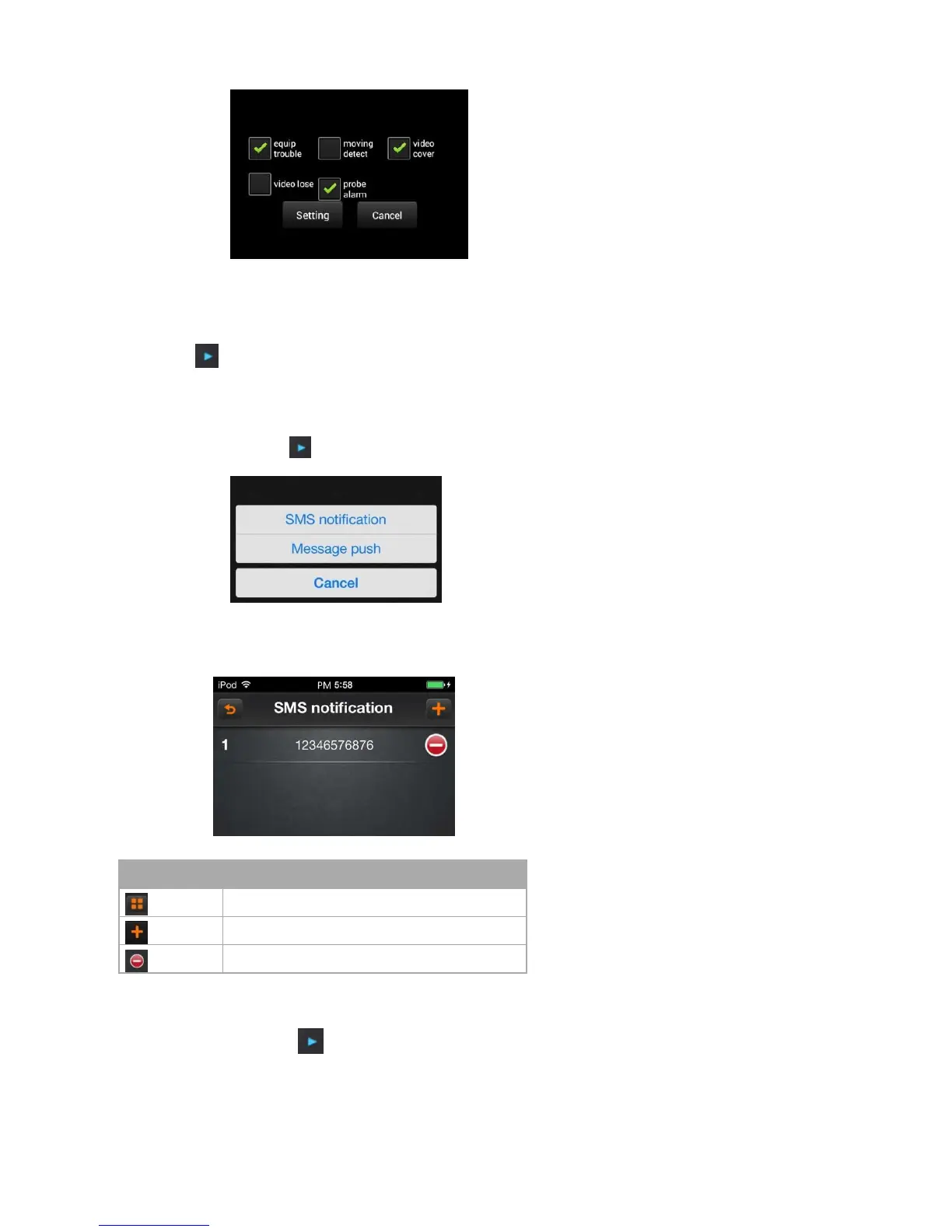
Select the option those need to alarm and click the button “setup” to save the current settings; Click the button “cancel” to cancel the current settings.
6.1.7.2 Unguard
Click on the icon to select the button “unguard”, cancel the current camera setting.
6.1.7.3 Note
Click on the icon to select “note” option , and then pop up the dialog as follows:
A)SMS notification: set the cell phone number of alarm notification
B)News push: open/ close the news push setting
In the notification interface, and then into “SMS notification” interface
Icon instruction



 To Next Page