43
Hisilicon v2.0.0.81 and higher.
6.2.2 Installation and operation instructions
Installation
Support two installation modes and the user can choose one way for installation.
1. Install online
Run the App Store program of iPhone.
Switch to the search tag page, and input QMEYE in the search box to find the application installation package, then click <install> .After finishing installation, there will
be QMEYE program icon on the mobile phone desktop.
2. Install offline
Copy the QMEYE.ipa installation package to Iphone mobile through cable. In the specified directory find out the corresponding .ipa, click the application installation,
and there will be program icons after finishing installing.
6.2.3 Login register
6.2.3.1 Login interface
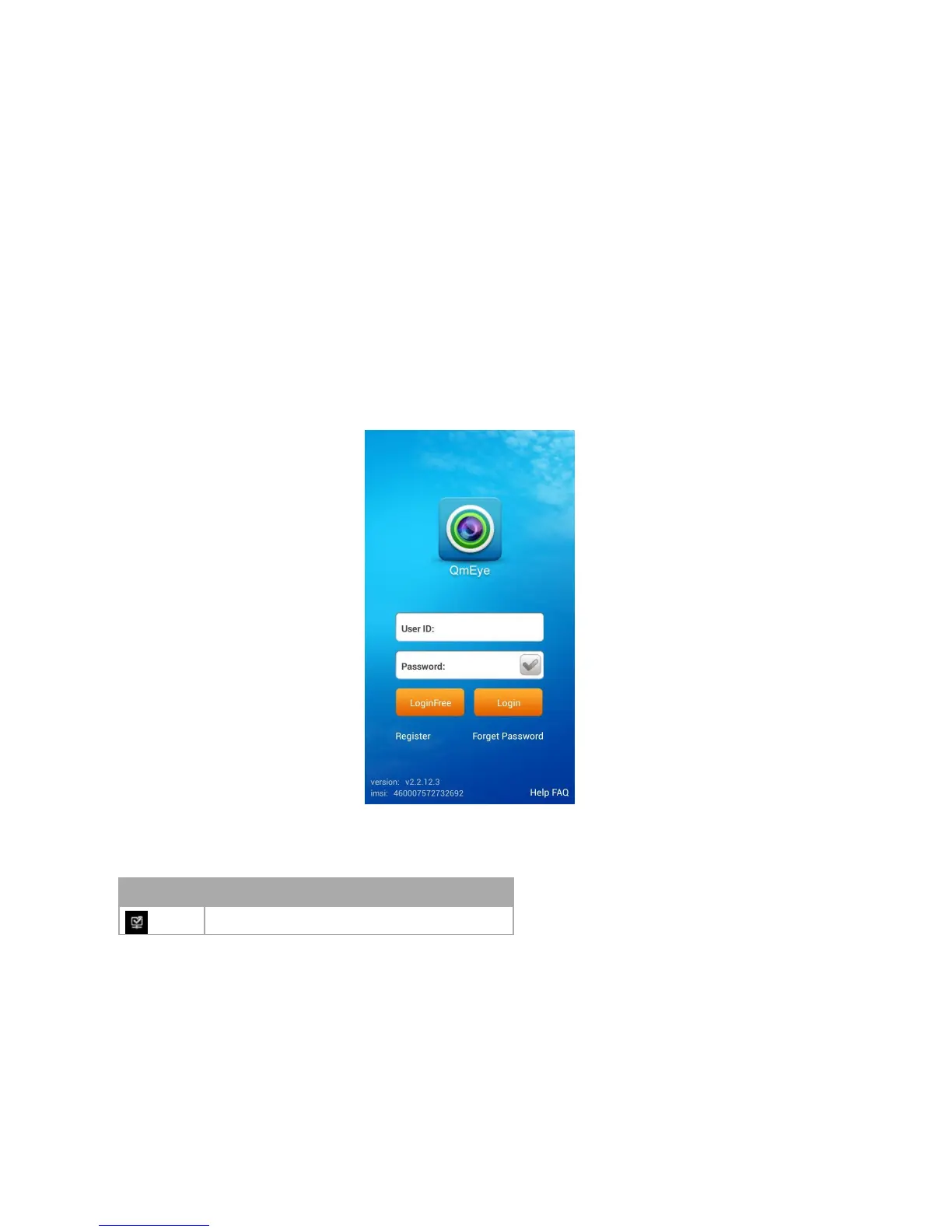
Open the software into the login interface, inputting the username and password and click button “login”, then it will be login the application.
Icon description:



 To Next Page