Click on the icon , then pop up the menu as follows:
A)Add a device: add DVR (multi- channel)
B)Add a shot: add a single camera (single channel)
C)Modify the name: modify the name of the device or shot
D)Modify IP: Modify the IP address, subnet mask, gateway information
E)Modify the device password
6.2.6 Playback
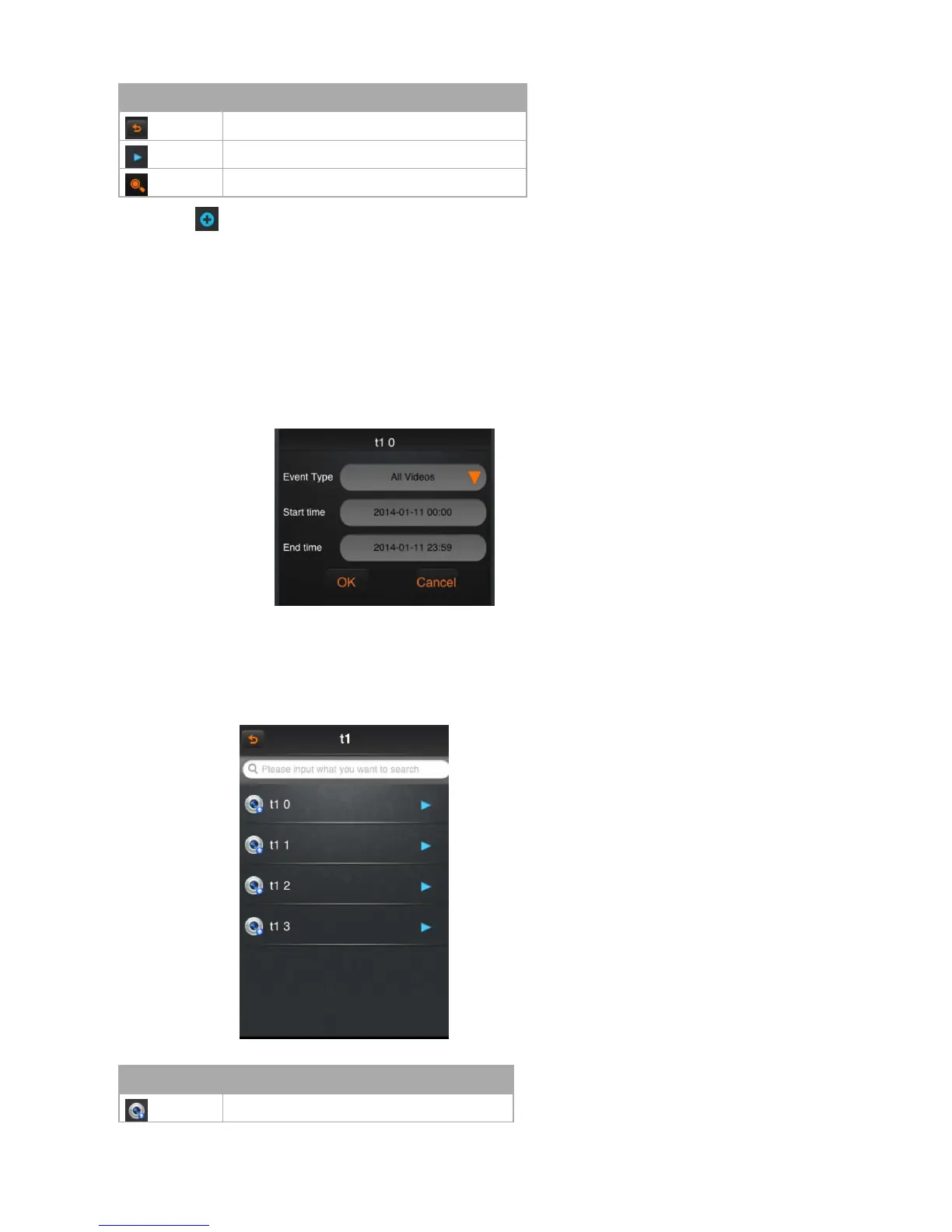
Click button “playback” option in the main menu, and then select to playback the video.
After select an event type, start time and end time, click the button OK will list out the remote video lists, and then click on the item will be selected to play or download
videos.
6.2.7 Alarm management
Click the option of “alarm management” in the main menu
Icon instruction:



 To Next Page