P11
Picture 3.1 System Login
Password protection: If the password is continuous wrong three times, the alarm will start. If
the password is continuous wrong five times, the account will be locked. (Through reboot or after
half an hour, the account will be unlocked automatically).
For your system security, please modify your password after first login.
3.4 Preview
You can right click mouse to choose the switch between the windows.
The system date, time and channel name are shown in each viewing window. The surveillance video
and the alarm status are shown in each window.
Table 3.1 Preview icon
3.5 Desktop shortcut menu
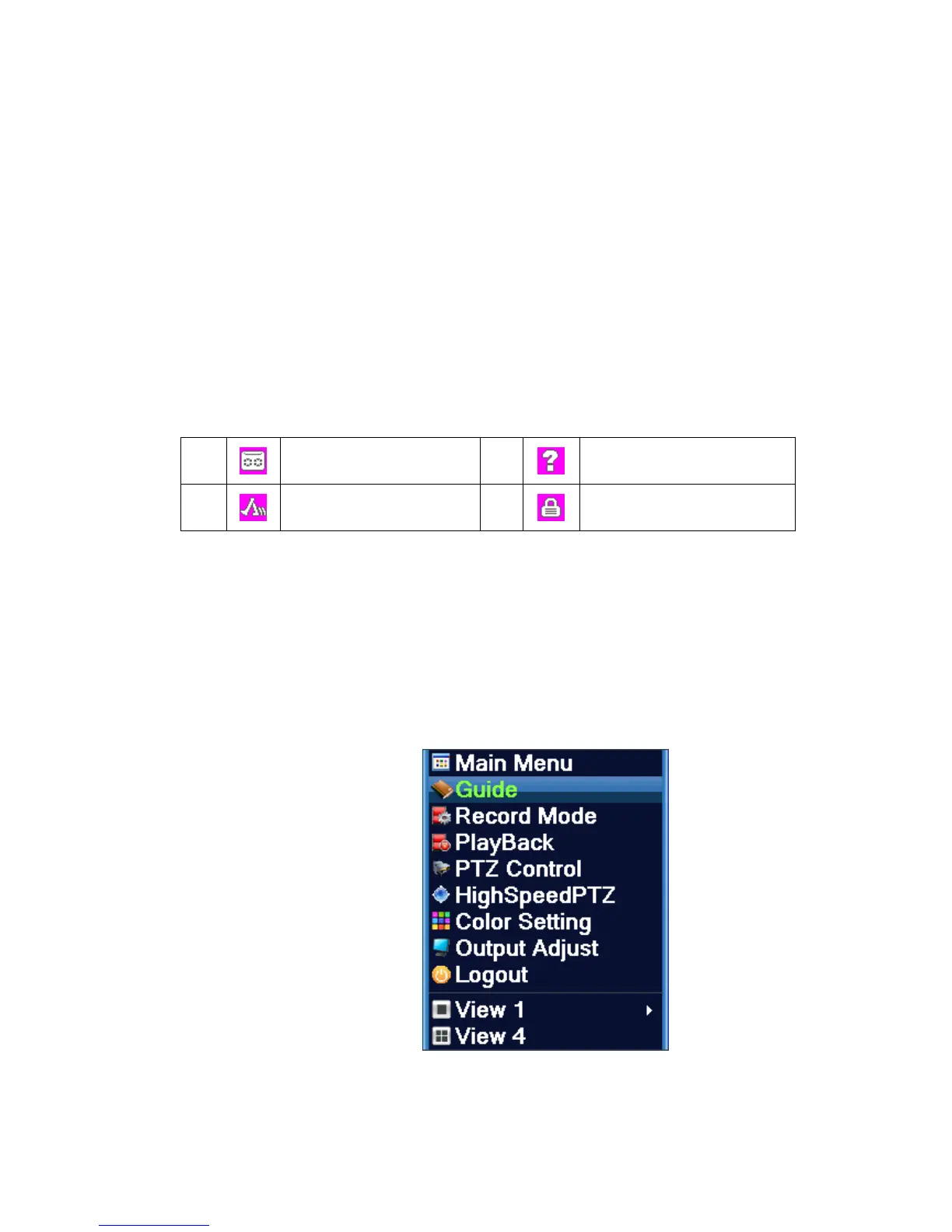
In preview mode you can right click mouse to get a desktop shortcut menu,as the picture 3.2
shows.The menu includes: main menu, record mode, playback, PTZ control, High Speed PTZ,
Alarm Output, color Setting, Output adjust, Logout, view mode shift ,spot.
4channel 8channel
Picture 3.2 Shortcut Menu



 To Next Page