P54
【Delete User】Delete the current user. Choose the user and click delete user button.
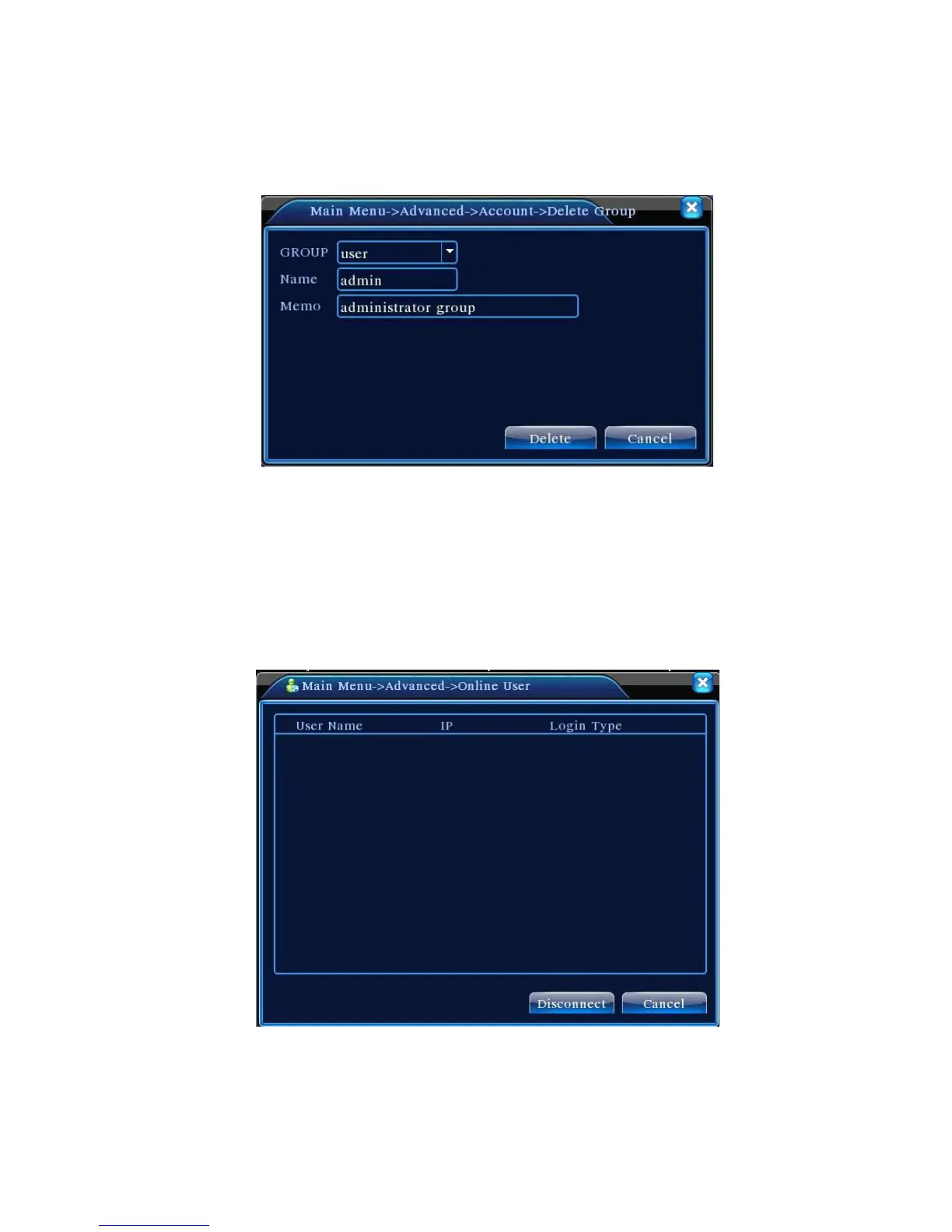
【Delete Group】Delete the current group. Choose the group and click delete group button.
Pic 4.51 Delete Group
4.5.3 Online user
To check the information of network user that connected with local device, also can tick the selected
user to break up connection,(make √ at the box), then the user will be frozen after connection stopped,
and will not log in until device reboot.
Pic 4.52 online user



 To Next Page