Export the device's log or configuration to external device(like USB
flash disk);Input the configuration with external device(like USB flash
disk).
4.2 Record
Operations related to record, including: Record, Playback, Backup, Screen shot(only Hybrid
mode and full analog have)
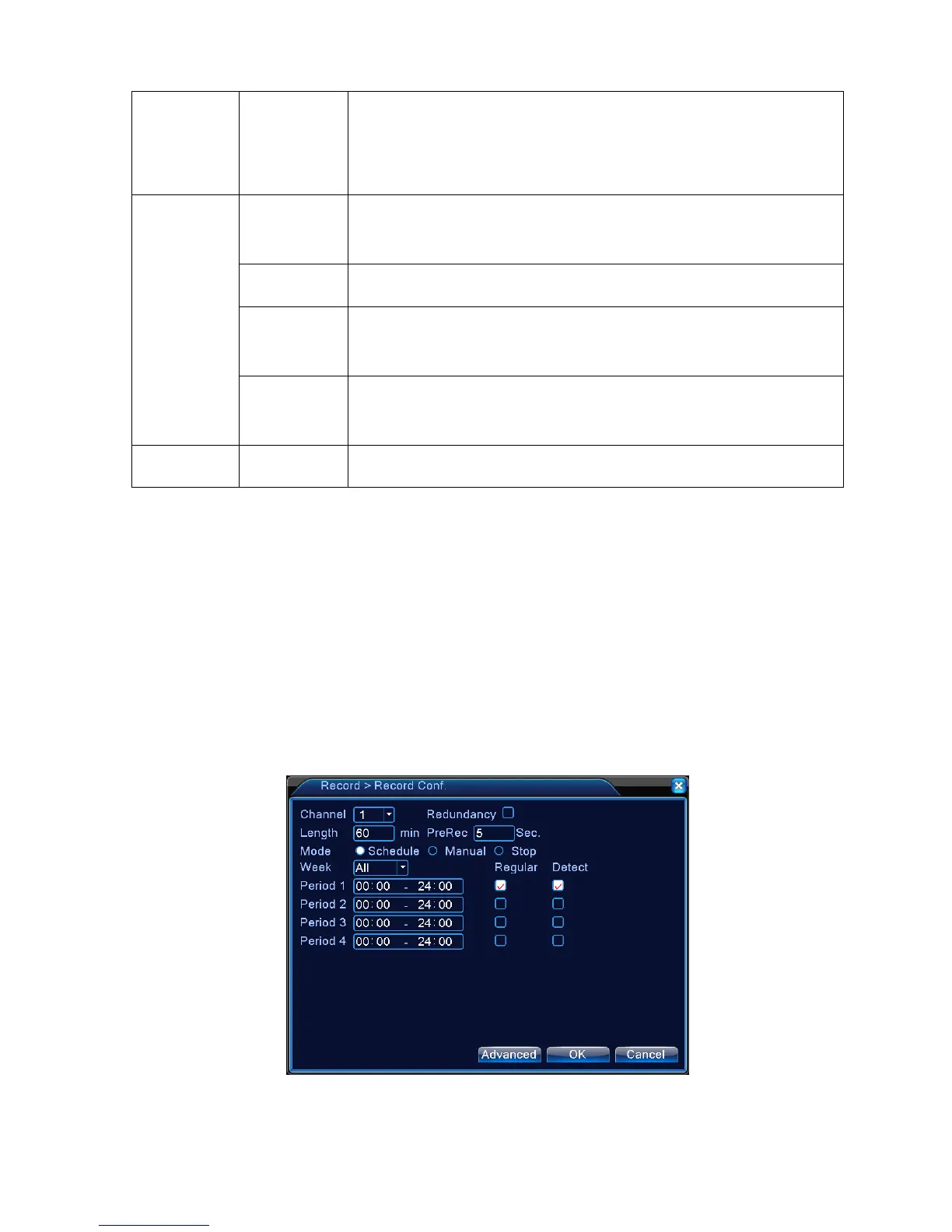
4.2.1 Record Configuration
Set the recording parameters in the surveillance channel. The system is set 24 hours consecutive
recording in the first startup. You can enter [main menu]> [recording function]> [recording setup] to set.
Note:There is at least one read-write hard disk.(refer to chapter 4.5.1)
Picture 4.1 Record Configuration



 To Next Page