P12
*compare to analog/hybrid mode's shortcut menu,the full digital mode do not have color setting
function.
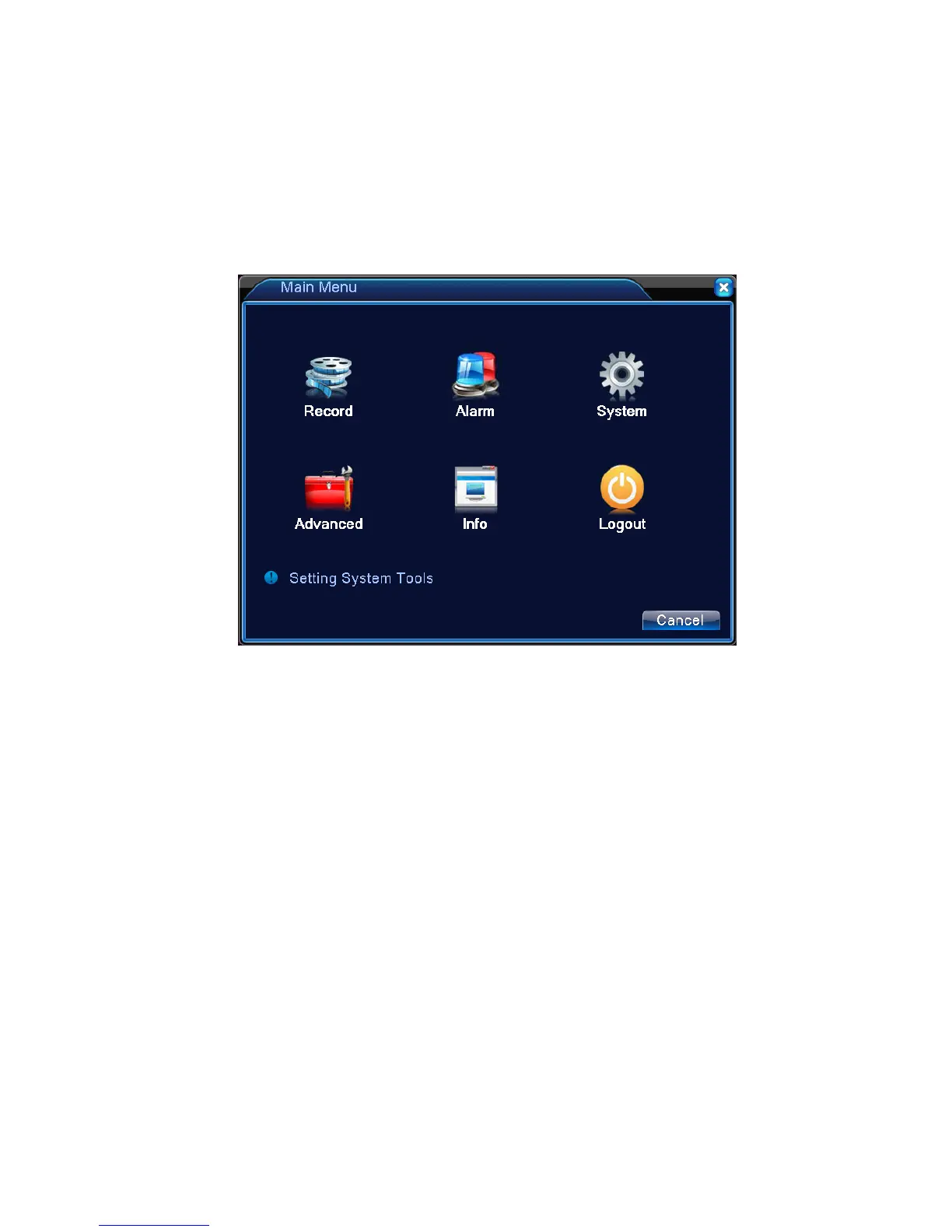
3.5.1 Main menu
When you login, the system main menu is shown as below.
Picture3.3 Main Menu
3.5.2 Playback
There are two methods for you to play the video files in the hard disk.
1、 In the desktop shortcut menu.
2、 Main menu>Record->Playback
Note: The hard disk that saves the video files must be set as read-write or read-only state.(4.5.1).



 To Next Page