P44
【Channel】Choose the set code output channel number.
【Region Cover】means the selective state. Click the cover area button and enter the corresponding
channel window. You can cover the arbitrary using mouse. (Black region is for output)
【Time display】and 【Channel display】 set the display position of channel title and time title.
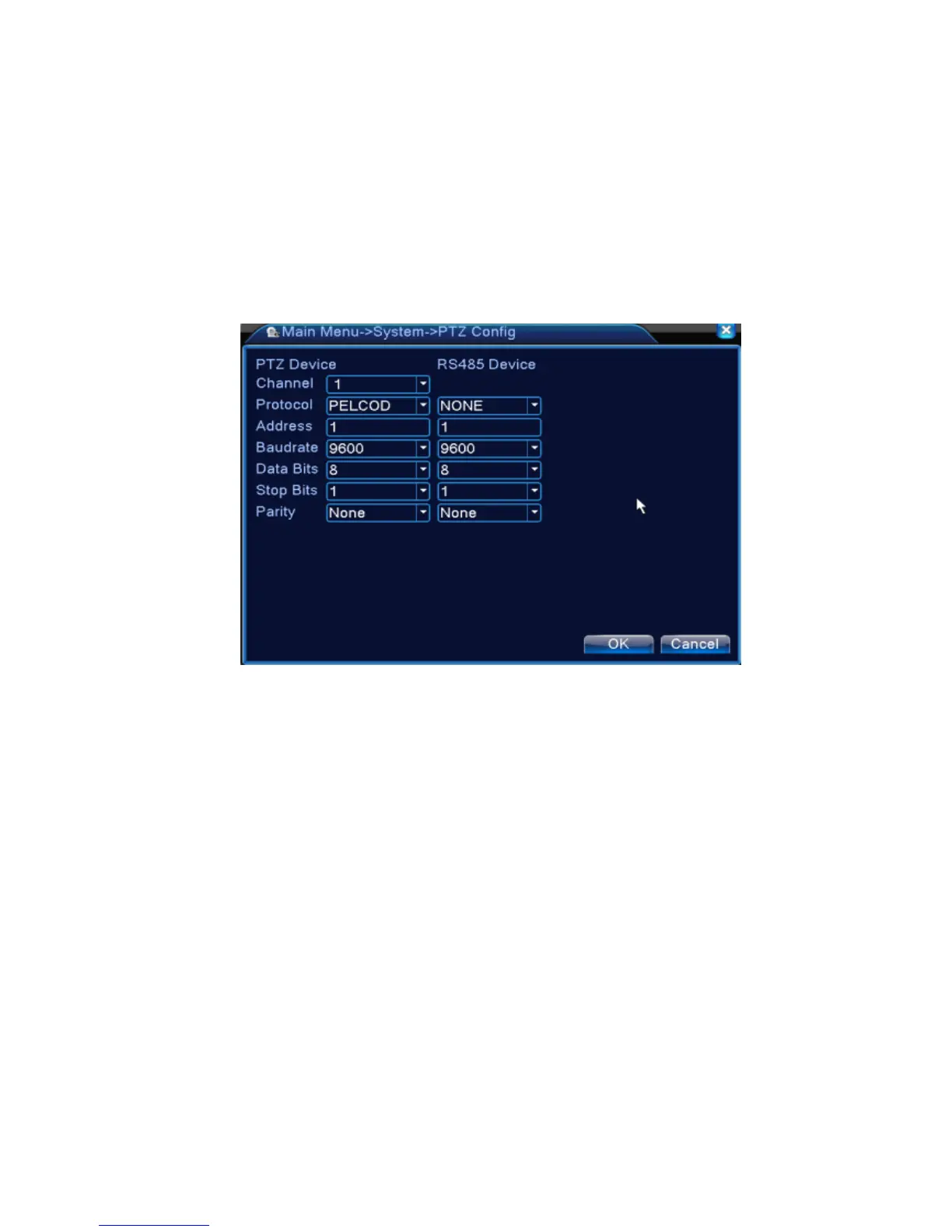
4.4.6 PTZ device /RS485 device
* when under hybrid mode/full digital mode, it shows with PTZ device and RS485 device,
Pic 4.37 PTZ configure
【Channel】Choose the dome camera input channel.
【Protocol】Choose the corresponding dome protocol. (PELCOD as an example)
【Address】Set as the corresponding dome address. Default: 1.(Note:The address must be
consistent with the dome address.)
【Baudrate】Choose the corresponding dome baud rate length. You can control the PTZ and vidicion.
Default: 115200.
【Data bits】Include 5-8 options. Default: 8.
【Stop bits】Include 2 options. Default: 1.
【Parity】Include odd check, even check, sign check, blank check. Default: void.
*When under full digital mode, it will show RS485 device.



 To Next Page