P33
【Event Type】 selecting abnormity you want to inspect
【Enable】 Select it to make sure abnormal function workable
【Show message】 Automatically alarm cue dialog box come out of the main screen
【Buzzer】 Device will have one long nosie “di” while alarm is happening
4.4 System setup
Set the system parameters such as General, Encode(under Hybrid/full analog mode)、Network,
Net service、GUI display、PTZ configure/RS485 device、RS232、Tour setup、Spot and digital。
4.4.1 General
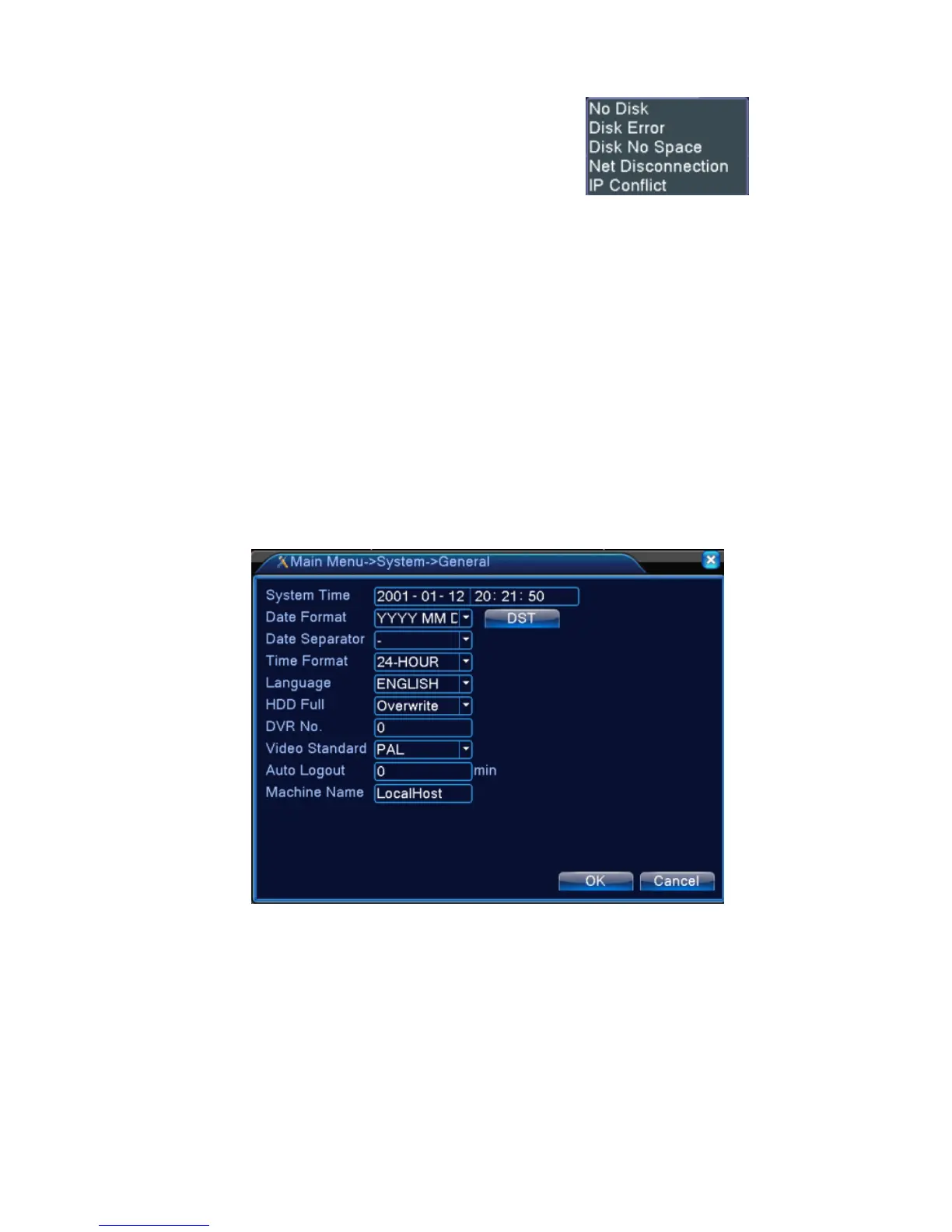
Picture 4.17 General setup
【System time】Set the system data and time.
【Date format】Choose the data format: YMD, MDY, DMY.
【Date Separator】Choose list separator of the data format.
【Time Format】Choose time format: 24-hour or 12-hour.
【Language】support 29 language at
present:Arabic,Czech,English,Finnish,Greek,Indonesian,Italian,,Japanese,Portuguese,Russian,Thai,T-Chin



 To Next Page