P53
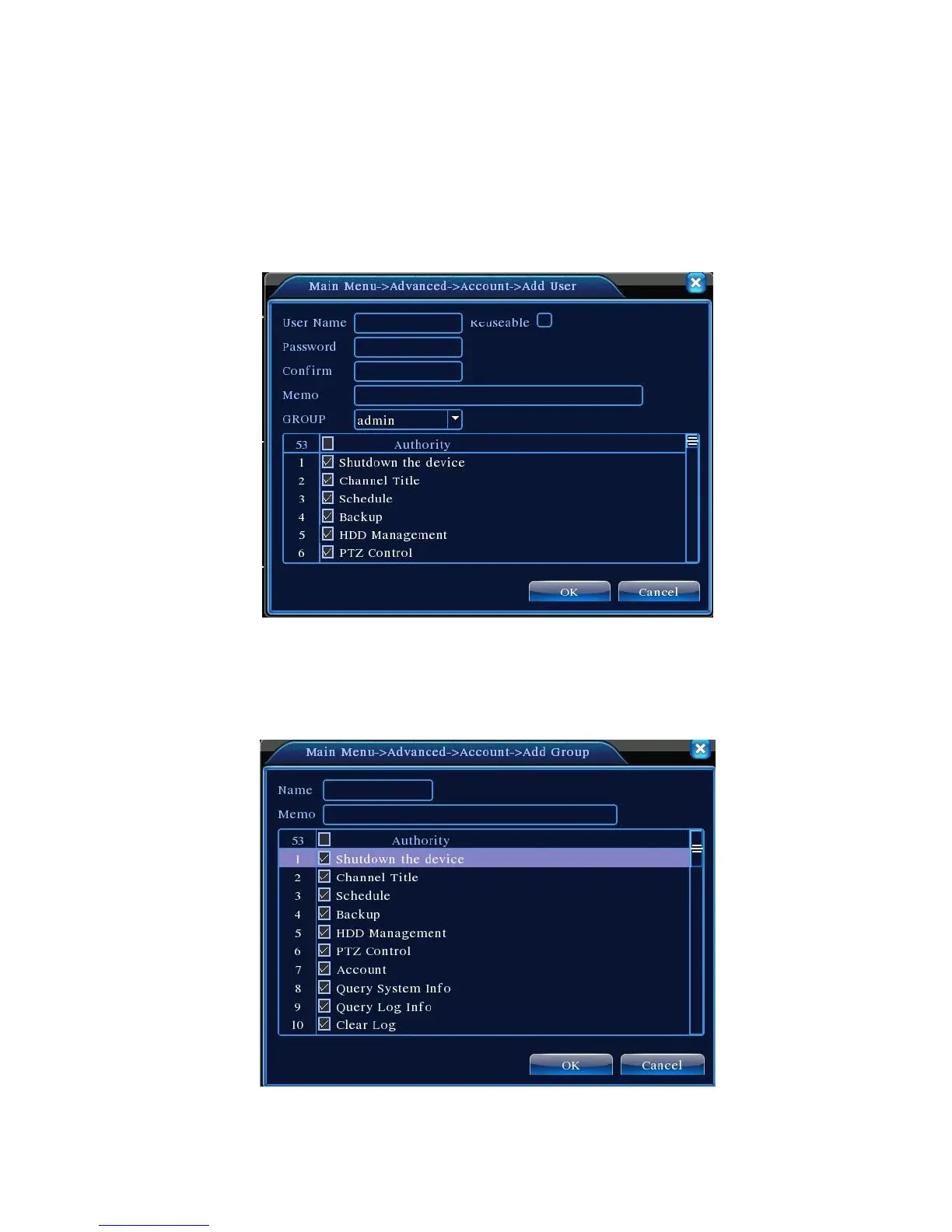
【Add user】Add a user in the group and set the user purview. Enter the menu interface and input
the user name and password. Choose the team and choose whether cover using the user. Cover using
means that the account can be used by multiple users at the same time.
Once choose the team the user purview is the subclass of the team.
We recommend that the common user’s purview is lower than the advanced user.
Pic 4.49 Add User
【Add Group】Add a user group and set the purview. There are 33 different purviews: shut down the
equipment, real time surveillance, playback, record setting, video backup and so on.
Pic 4.50 add group



 To Next Page