P19
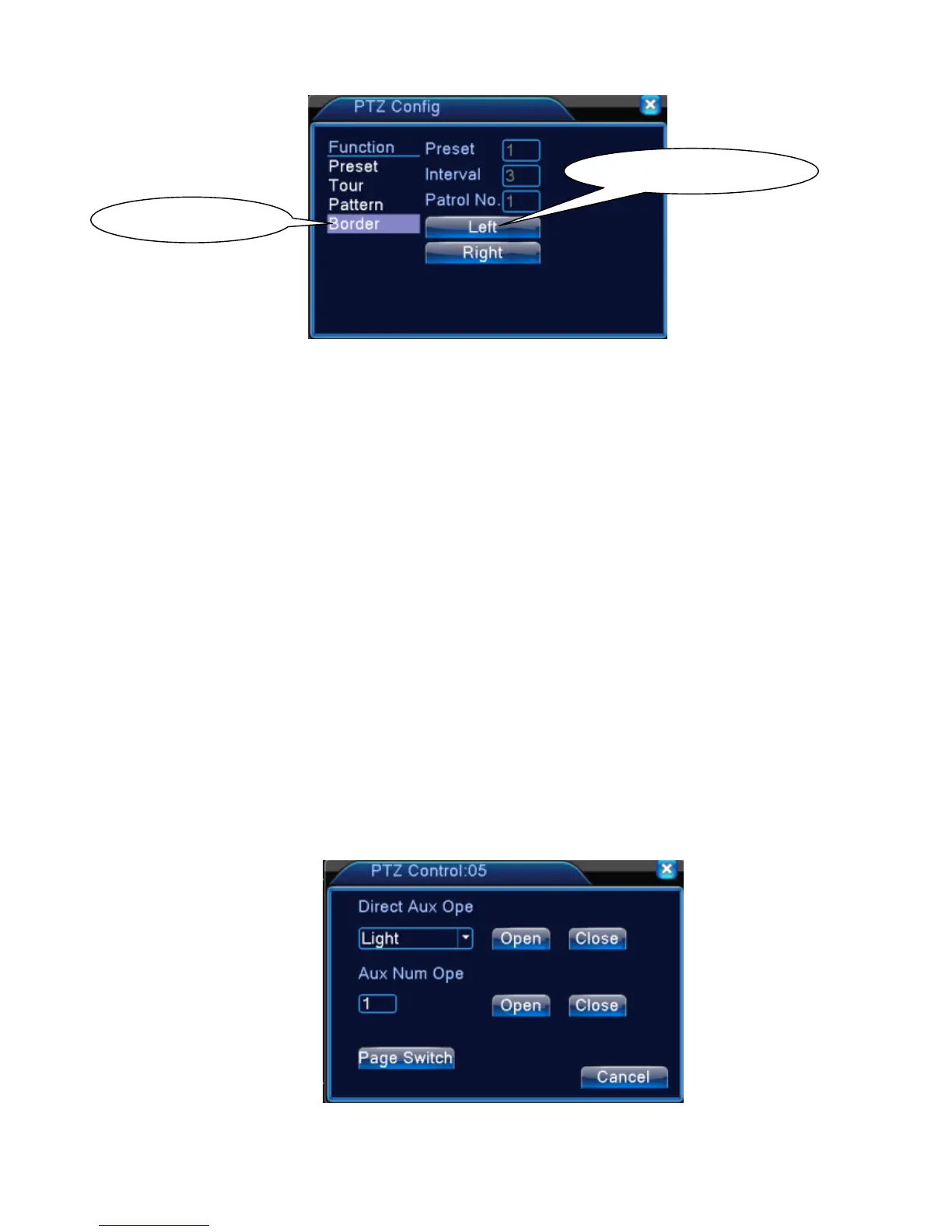
Picture 3.15 Boundary Scan Setup
2)Boundary Scan Calls
In Picture 3.10, click Page Shift button, then enter PTZ control menu as shown in Picture 3.12.
Please input the number of scan in the value blank , then click Scan button,PTZ begins to work on
the scan line . Click Stop button to stop.
5、Horizontal Rotating
Click Horizontally Rotating button, PTZ begins to rotate horizontally (relative to the original position
of the camera). Click the Stop button to stop.
6、Rotate
Click on horizontal Rotating button, PTZ turn around.
7、Reset
PTZ restart, all the data clears to 0.
8、Page Shift
In Picture 3.12, click Page Shift button into Picture3.16, setting auxiliary function. Auxiliary
number corresponding to auxiliary switch on the decoder.
Picture 3.16 Auxiliary Function Control



 To Next Page