P38
【NTP setup】
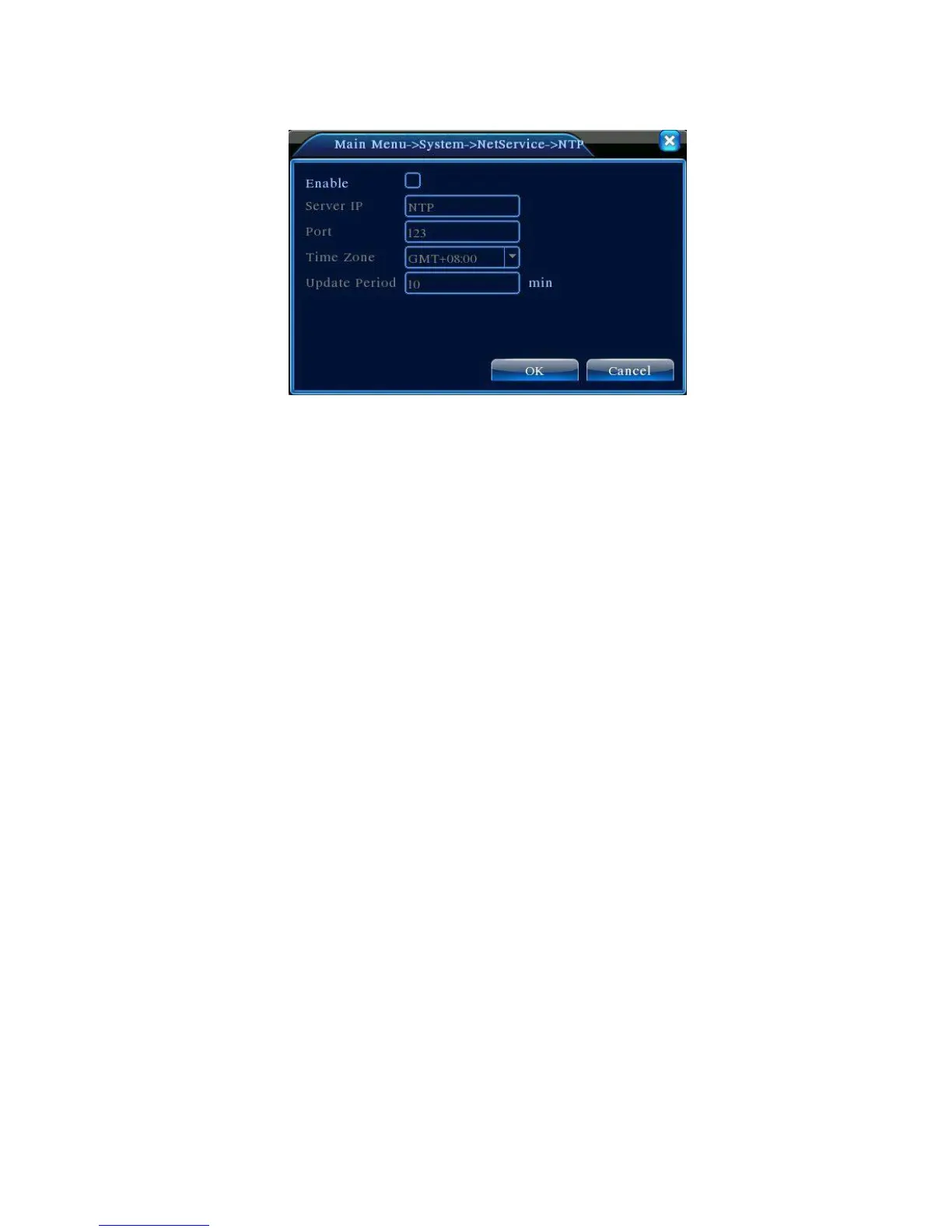
Picture 4.24 NTP
The NTP server must be installed in the PC.
Enable:Reverse■mean choose,setting can become effective.
Host computer IP:Input the IP address installed NTP server.
Port:Default: 123. You can set the port according to NTP server.
Time zone:London GMT+0 Berlin GMT +1 Cairo GMT +2 Moscow GMT +3 New Delhi GMT
+5 Bangkok GMT +7 Hongkong Beijing GMT +8 Tokyo GMT +9 Sydney GMT +10 Hawaii
GMT-10 Alaska GMT-9 Pacific time GMT-8 American mountain time GMT-7 American mid time
GMT-6 American eastern time GMT-5 Atlantic time GMT-4 Brazil GMT-3 Atlantic mid time GMT-2.
Update Period:The same with the NTP server check interval. Default: 10minutes.
【EMAIL setup】
If the alarm is turned on or the alarm linkage photos are taken, send an email about the alarm
information and the photos to appointed address.



 To Next Page