P42
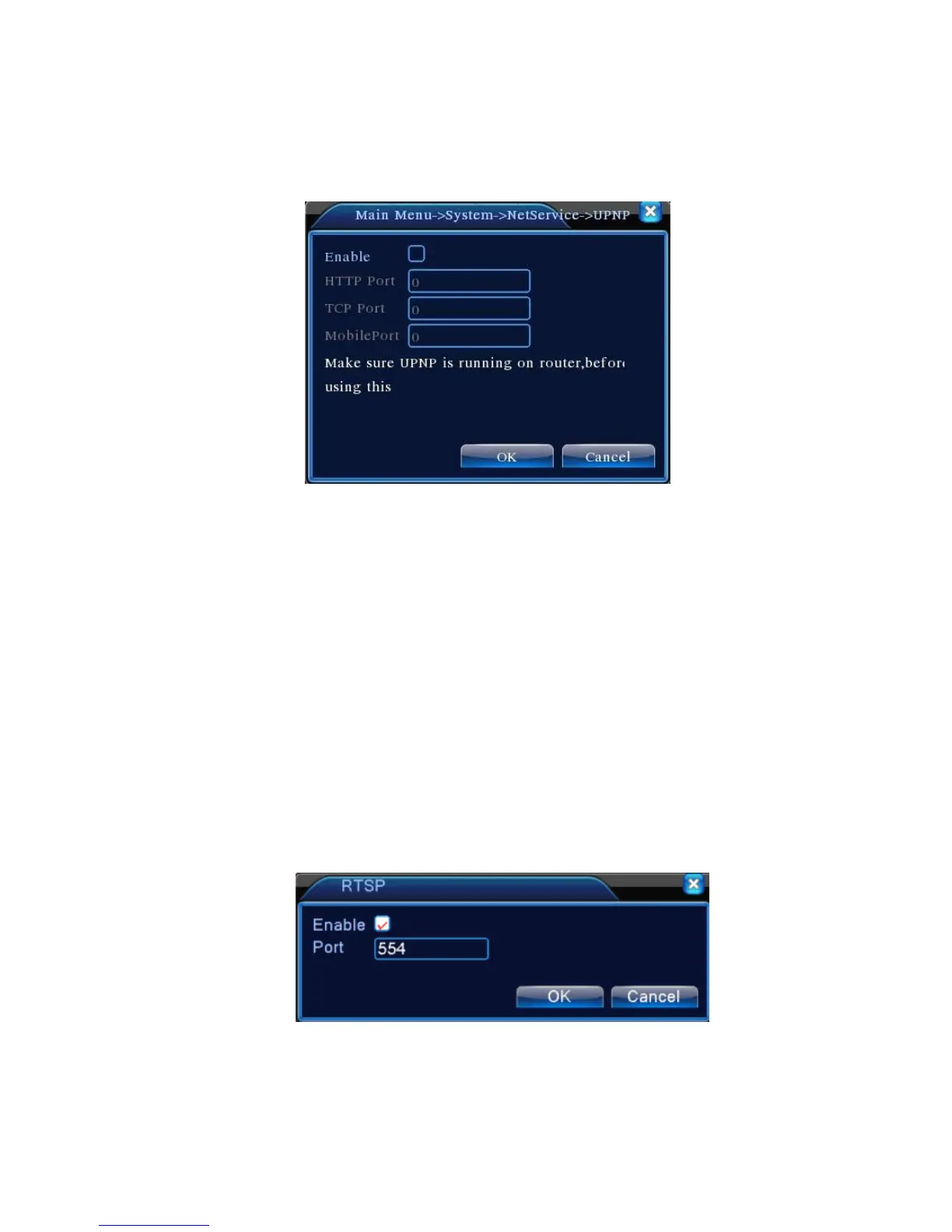
【UPNP】
UPNP protocol is to realize auto port forwarding on router, precondition of using this function is to
make sure the UPNP function of router is enabled.
Picture 4.33 UPNP
【Enable】Choose Enable to make sure all UPNP settings available
【HTTP】Route will automatically distribute HTTP port for the device,when IE viewing,it need this
port
【TCP】Router will automatically distribute TCP port for the device,when monitoring via CMS,it need
this port.
【Mobile Port】Router will automatically distribute Mobile Port for the device,when mobile monitor,it
need this port.
【RTSP】
To do surveillance via cross-browser (Safari, Firefox, Google chrome ) and VLC software. This
function only for monitor but can not control the device.
Pic 4.35 RTSP setting
【Enable】: ■ means enable, tick it firstly before setting.
【Port】: the default port is 554



 To Next Page