P48
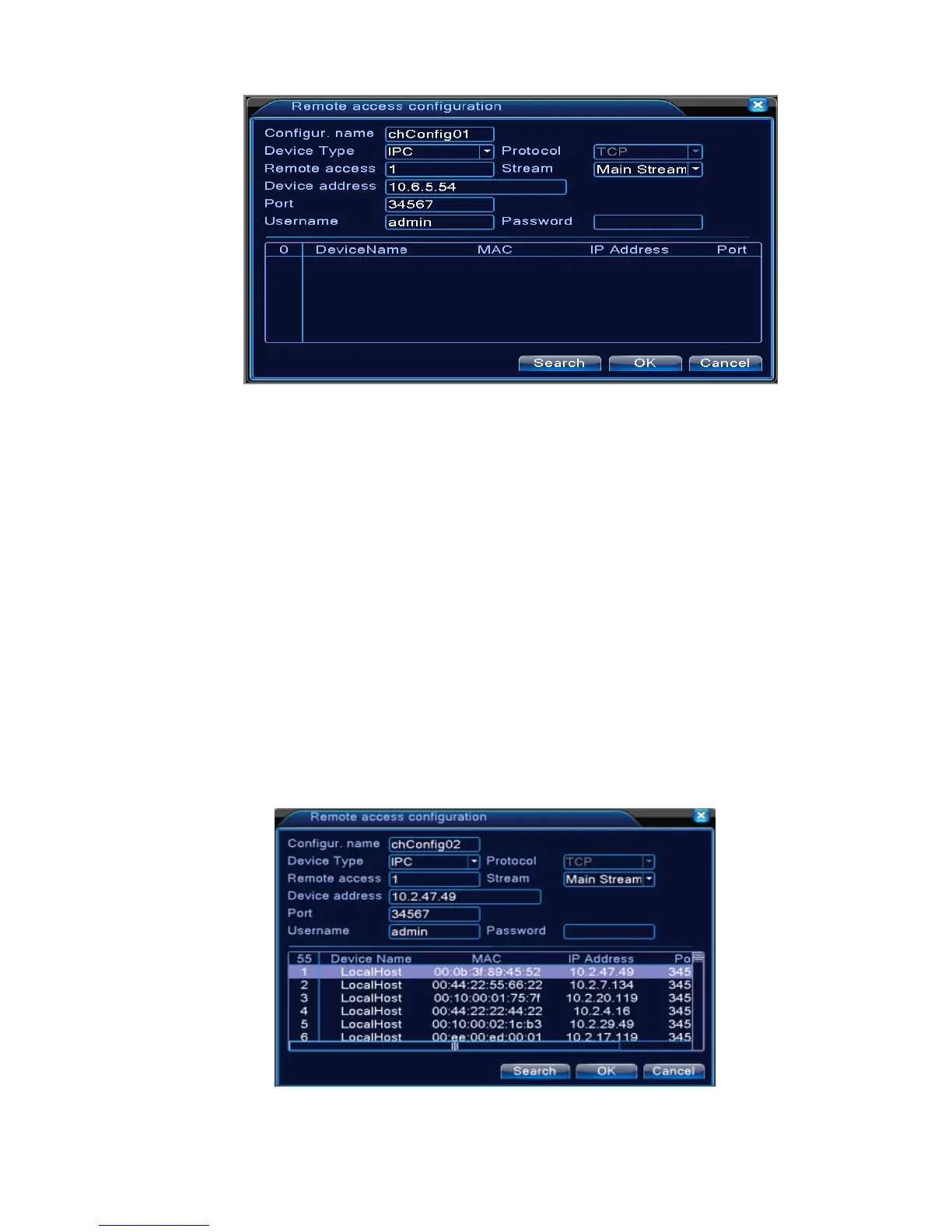
Pic 4.44 remote channel configure page
【Configure Name】device is with default configure title, user can revise it if necessary;
【Device Type】3 types: IPC、DVR、HVR,user can choose as what you like, default is IPC;
【Protocol】Default is TCP
【Remote channel】User can input remote channel title from the device that you want to connect
remotely
【Stream】Default is main stream, do not support extra-stream at present;
【Device address】IP address of device.
【Port】Default is 34567
【User name】Default is admin
Remark: click 【search】will show all the devices that searched out, user can choose any of the
device that you like.
Pic 4.45 the device list searched under remote channel setting



 To Next Page