EasyManua.ls Logo

Condor DRW876 - User Manual

Condor DRW876
28 pages
Print Icon
To Next Page IconTo Next Page
Loading...
User’s Guide for Model DRW876 v1562-04

Questions and Answers

Summary

Warnings and Safety Precautions

FCC Compliance Warnings

Compliance information regarding FCC regulations and potential interference.

Additional Safety Advisories

Covers critical safety advice on fire, shock, battery use, and chemical exposure.

FAA Registration Process

UAS Registration Eligibility

Details on who is eligible to register the UAS based on age and residency.

Required Registration Information

Lists the required information and documents for the registration process.

Rotors and Auto-Hover Operation

Emergency Motor Stop Procedure

Procedure for quickly stopping the craft's motors in an emergency situation.

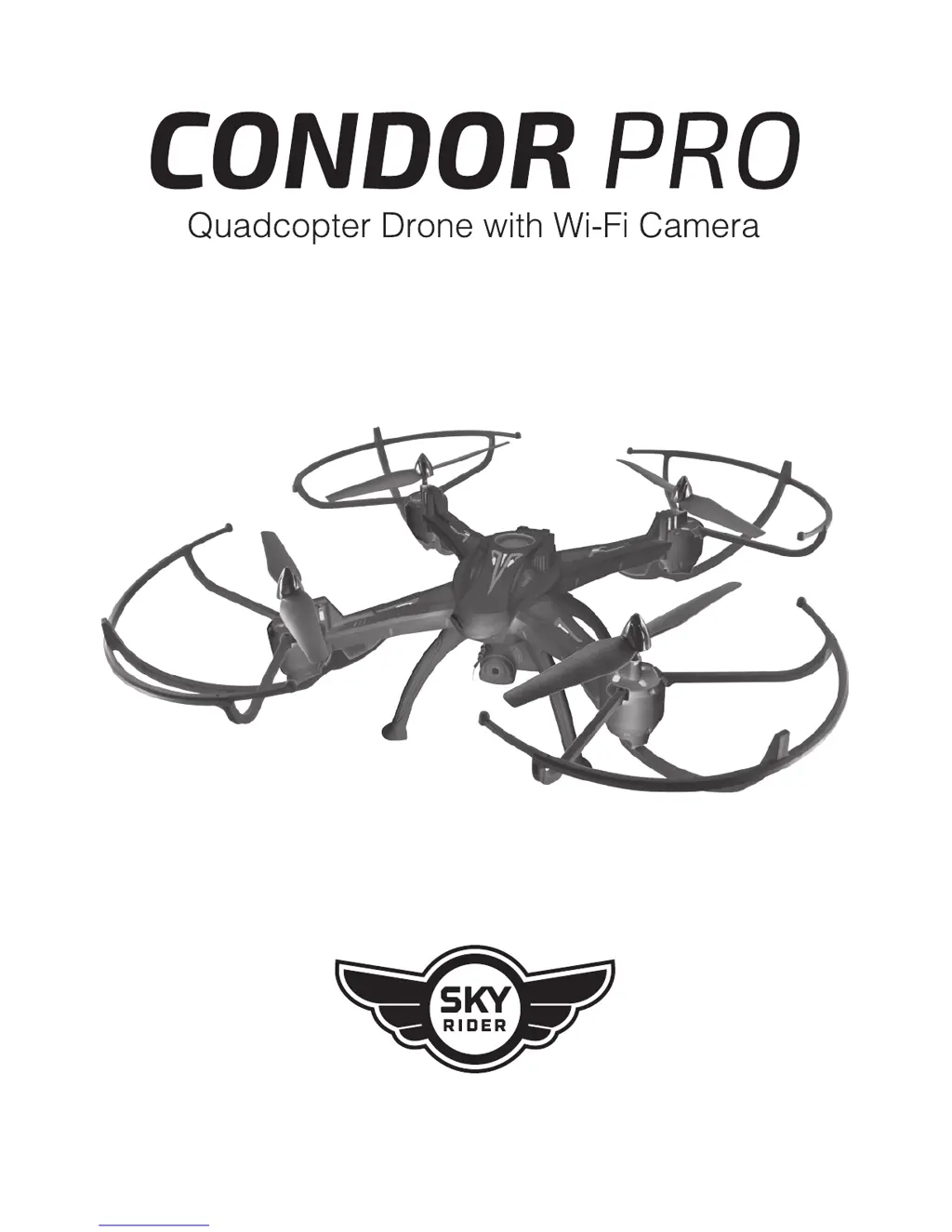
Condor Pro Drone Overview

Drone Assembly Instructions

Attach Landing Skids

Instructions for attaching the four landing skids to the drone body.

Attach Camera Module

Guide for connecting the drone's camera to the body.

Remote Control Layout and Functions

Control Interface Overview

Detailed explanation of the remote control's buttons, dials, and their functions.

Remote Control Battery Installation

Steps for installing batteries into the remote control unit.

Battery Charging Procedure

Step 1: Preparation for Charging

Procedure to power off the craft and remove the battery cover before charging.

Step 2: Disconnect and Remove Battery

Disconnecting the battery and removing it from the compartment for charging.

Step 3: Connect Charging Equipment

Connecting the power adapter to a wall outlet and the battery charger.

Drone Flying: Craft and Remote Link

Establish Craft-Remote Connection

Process for linking the drone craft and the remote control for flight.

Drone Flying: Landing and Powering Down

Drone Trim Adjustment Guide

Setting Trim to Counter Drift

How to adjust trim settings to counter craft drift and improve stable hovering.

Gyroscope Recalibration and Trim Reset

Resetting Remote Control Trim

Procedure to reset remote control trim settings to factory defaults.

Drone Flying: Tips and Features Overview

Safe Operation Recommendations

Recommendations for safe flying practices in various environments.

Adjusting Speed Settings

How to adjust the craft's speed settings for different flight characteristics.

Understanding Altitude Hold

Explanation of the auto-altitude hold feature and its behavior.

Using Auto-Reverse Mode

How to enable and use the Auto-Reverse flight mode.

Drone Flying: Advanced Features and Stunts

Headless Mode Operation

Explanation of Headless Mode and how to activate/deactivate it.

Performing Flips and Tricks

Instructions for performing aerial stunts like flips with the drone.

Drone Wi-Fi Flight: App Introduction

Sky Rider Drones App Details

Information on downloading and using the dedicated smartphone app.

Connecting to Drone Wi-Fi

Steps for connecting the smartphone to the drone's Wi-Fi network.

App Start Screen Overview

Overview of the app's main screen and its interactive elements.

Drone Wi-Fi Flight: App Settings

App Settings Screen Explanation

Overview of app settings including auto-save, parameter reset, and control modes.

Drone Wi-Fi Flight: On-Screen Controls

Flight Screen Interface Breakdown

Detailed breakdown of the app's flight screen elements and controls.

Capturing Photos and Videos

Instructions for capturing photos and videos using the app during flight.

Intuitive Flight Control Mode

Using phone gyroscopes for controlling pitch and roll in the app.

Starting Drone Motors via App

How to start the drone's motors using the app's Up Arrow control.

App Auto-Land and Shut Down

Procedure for initiating an automatic landing and shutting down motors via the app.

Attach Smartphone Cradle

Drone Wi-Fi Flight: Remote and App Integration

Using Remote and App Together

Guide on integrating remote control operation with the Wi-Fi app for enhanced functionality.

Virtual Reality Mode Operation

Drone Parts and Repair Information

Purchasing Replacement Parts

Information on purchasing replacement parts like batteries, remotes, and cameras.

Replacing Drone Rotors

Detailed instructions on how to replace damaged drone rotors.

Customer Support and Warranty

Contacting Customer Support

Details for contacting customer support via website, email, and phone.

International User Support

Information on downloading the user guide and obtaining support in multiple languages.

Product Warranty Information

Information regarding the included 30 Day Warranty and latest user guide availability.

Condor DRW876 Specifications

General IconGeneral
BrandCondor
ModelDRW876
CategoryDrones
LanguageEnglish