ROUTER DESCRIPTION
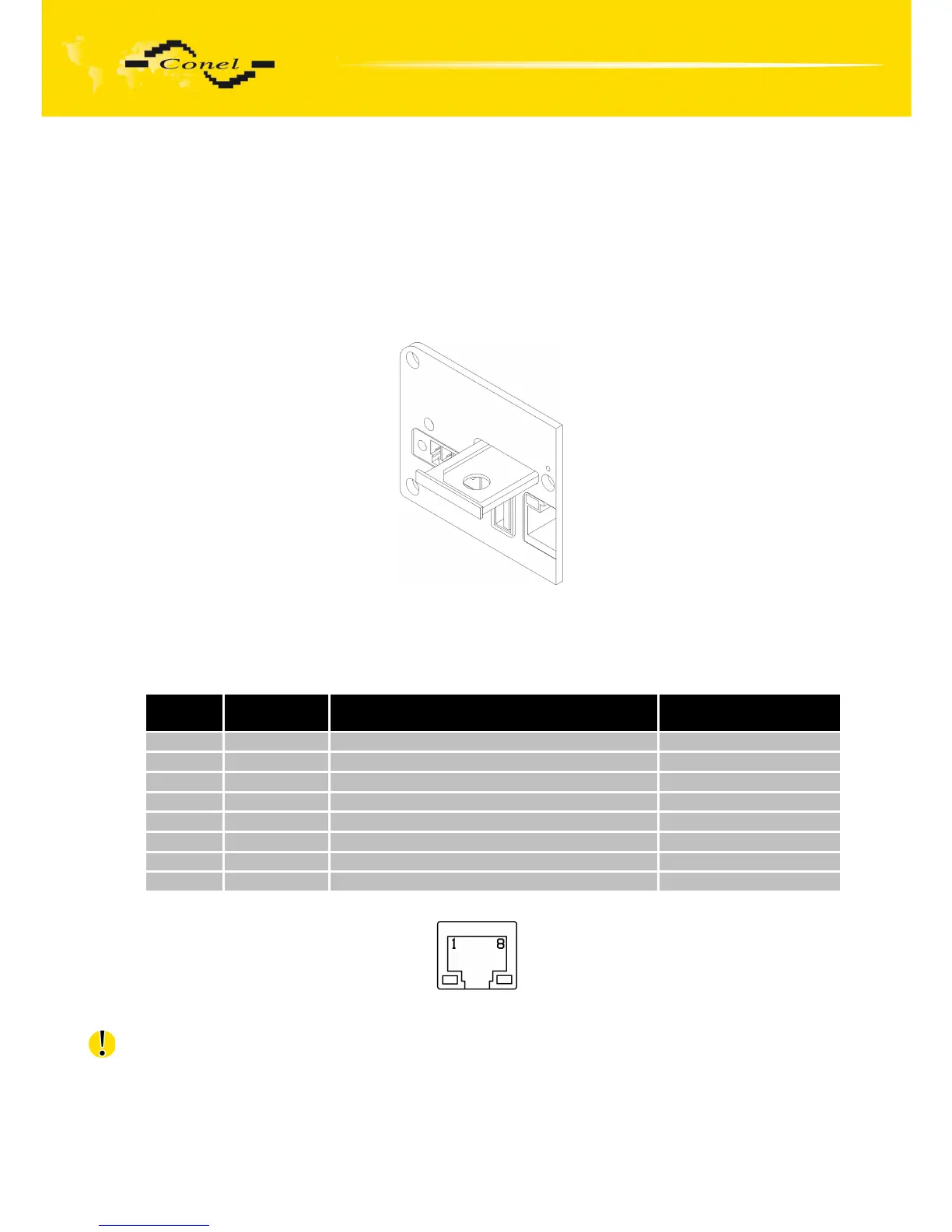
5.7.4. SIM card reader
The SIM card reader for 3 V and 1.8 V SIM cards is located on the front panel
of the router. To initiate the router into operation it is necessary to insert an activated SIM card
with unblocked PIN in the reader. The SIM cards might be of different adjusted APN (Access
Point Name).
Changing the SIM card:
Press the small yellow button to eject the reader holder. Insert the SIM card into
the reader holder and slide it in the reader (see figure below).
Fig. 23: Ejected the SIM card
5.7.5. Ethernet port
Panel socket RJ45.
Pin
number
Signal mark Description Data flow direction
1 TXD+ Transmit Data – positive pole Input/Output
2 TXD- Transmit Data – negative pole Input/Output
3 RXD+ Receive Data – positive pole Input/Output
4 --- ---
5 --- ---
6 RXD- Receive Data – negative pole Input/Output
7 --- ---
8 --- ---
Table 9: Connection of Ethernet connector
Fig. 24: Ethernet connector
ATTENTION! Port ETH is not POE (Power Over Ethernet) compatible!
14



 To Next Page