ROUTER DESCRIPTION
5.7.8. USB port
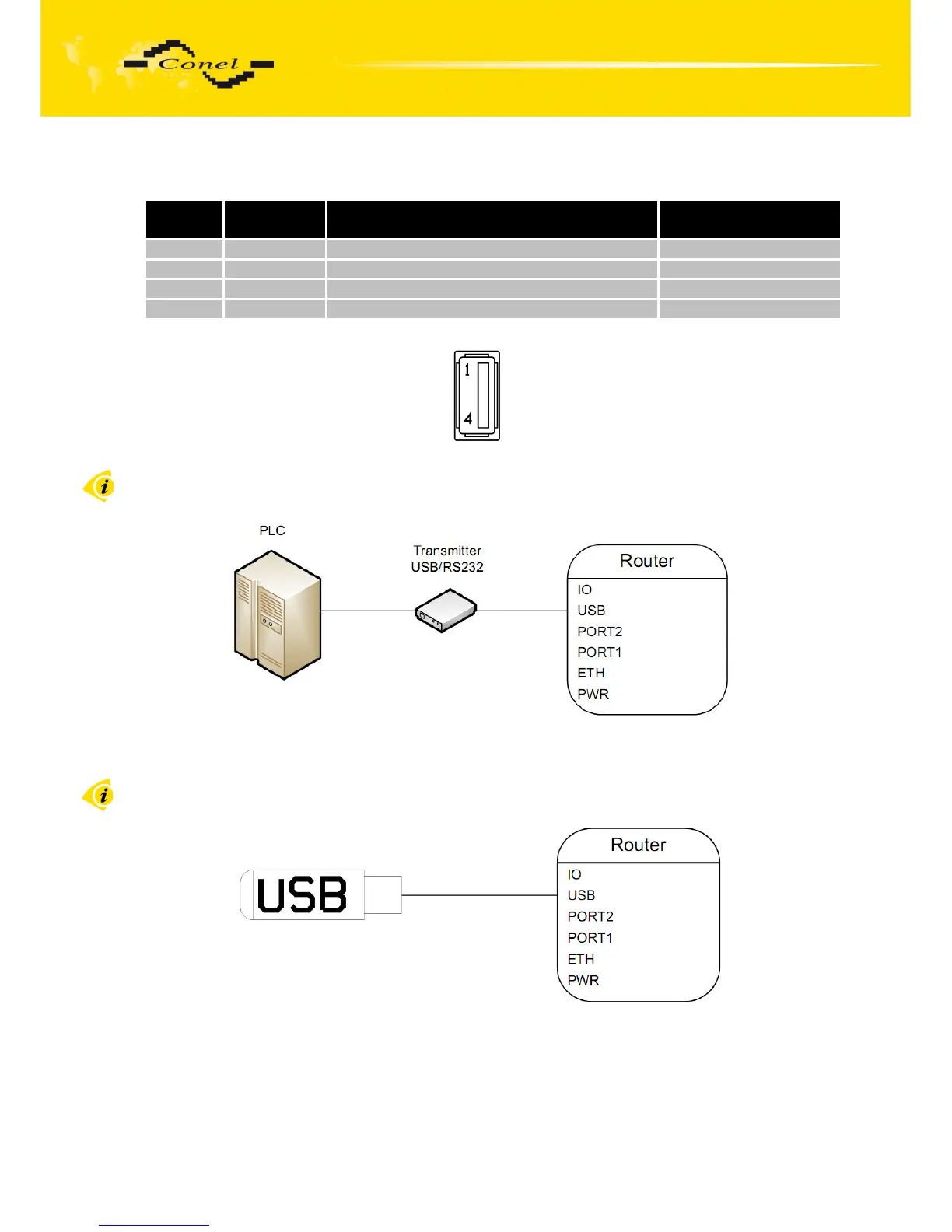
Panel socket USB-A.
Pin
number
Signal mark Description Data flow direction
1 +5V Positive pole of 5V DC supply voltage
2 USB data - USB data signal – negative pole Input/Output
3 USB data + USB data signal – positive pole Input/Output
4 GND Negative pole of DC supply voltage
Table 10: Connection of USB connector
Fig. 29: USB connector
Example of connecting devices with serial interface to the USB router:
Fig. 30: Connection PLC to the router
Example of connecting of USB flash disk to the USB router:
Fig. 31: Connection flash memory to the router
17



 To Next Page