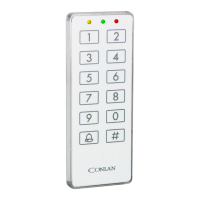
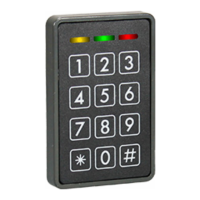
5.7 Special settings
These settings is used to change the C1000LP’s special functions such as turning the
buzzeron/oetc.
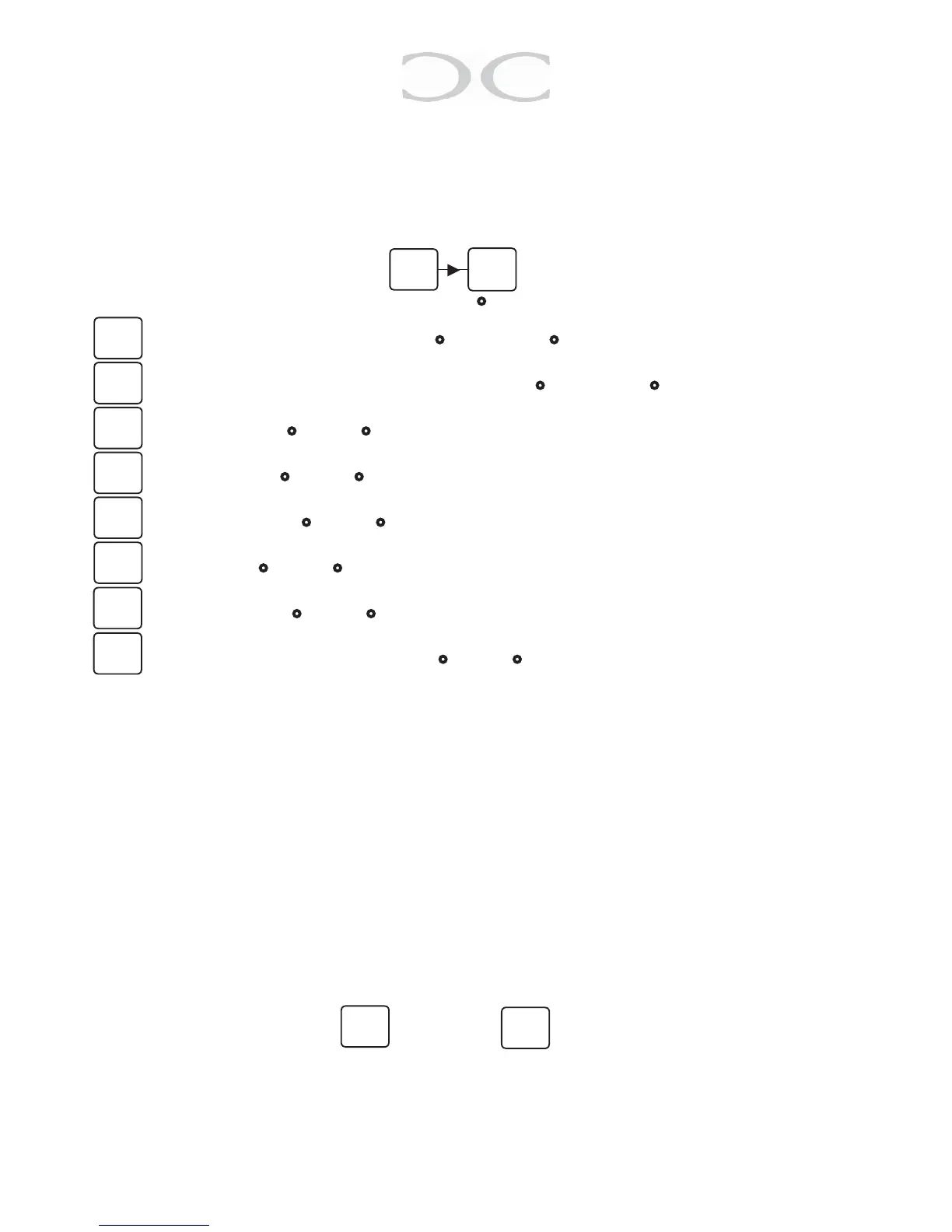
Tochangethesesettings,keyin:
=Servicecodewithouttimeout(● = inactive / ● = active)
= Master code be changed by Master code (● = inactive / ● = active)
= Mute reader (●=O/● = On)
= Bell on OC1 (●=O/● = On)
= Onetime code (●=O/● = On)
= Day code (●=O/● = On)
= Locker mode (●=O/● = On)
=Lockerreleaseonrenewtime(●=O/● = On)
Special positions
Userposition191to197canactivatespecialsetting3to6withacode.Theprogram-
ming is the same procedure as programming a user code just use the positions men-
tionedbelow:
191 = Toggle buzzer
194=Togglingthestarkeytoactivateoutput1(whitewire)
195 = Toggle onetime code mode
196 = Toggle Daycode mode
197 = Deactivate the user codes
198 = Seed code
199 = Digit count for one/day code
To save the settings press or press to go back to the previous step
(no saving).
Note:Incaseofpowerdisruptionthespecialfunctionswillgobacktothesetupmade
by service code.
11
#
04
● ○ ○
1
2
3
4
5
6
#
*
7
8


 To Next Page