6
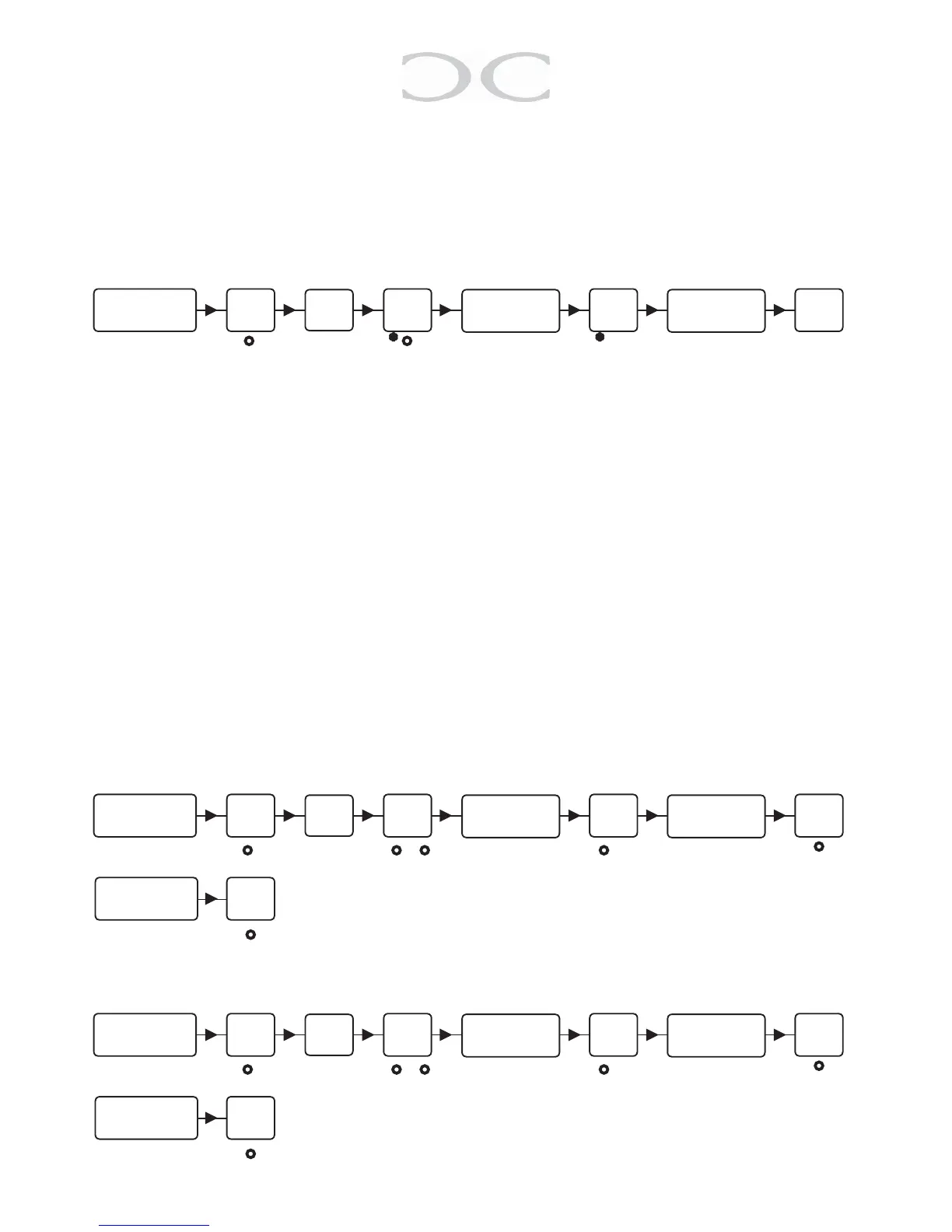
3.4 Smart enrolling
Thispositionmakesitpossibletoprogramcodesquickerwithoutenteringnewposi-
tions. Key in a position and it counts automatically to the next position. Codes can be
programmedalternativelyasyouseet.
○ ● ○ * ● ○ * ○ ○
For more codes
repeat from
here.
Note:Thisprogrammingmodeoverwritesexistingpositions.
4. Battery management
Givesawarningbeforeopeningthedoor,whenthebatteryisatapprox10%charge.
PresetBatterylowwarning(1#):
Position Select chemistry Series cell count
0 Disable
1 Alkaline1,5V (0,95V)3-10cells
2 Lithium3V (2,3V)1-5cells
3 Li-poly/Li-ion3,7V (3,37V)1-4cells
4 LeadAcid2,1V (1,95V)2-7cells
#
Key in the
Master code
#
Key in
05
#
Key in the start
position
#
Key in the code
○ ● ○ ● ○ ● ● ○ ○
#
Key in the
Service code
#
Key in
08
#
Preset battery
Key in 1
#
Select chemistry
Series
cell count
#
○ ● ○
○ ● ○
Hereisanexampleofhowyoupresetthebatterywhenhavinga12VLeadAcidwith6
cells.Seefollowinginstructions.
○ ● ○ ● ○ ● ● ○ ○
#
Key in
12347890
#
Key in
08
#
Key in 1
#
Key in 4
Key in 6
#
○ ● ○
○ ● ○


 To Next Page