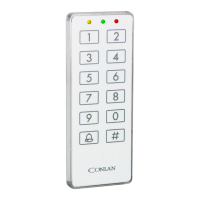
3. Programming users
Programming the C1000LP is simple and easy to understand.
3.1 User positions
C1000LPhas200userpositions,whichcancontainacode.Thepositionsaredivided
asfollowing:
User position Function
1 - 100 Activates output 2 (The code is position 1 is 1234 - factory default)
101 - 150 Activates output 1
151 - 190 Activates output 1 and 2
191 - 200 Reserved for special functions
3.2 Programming user codes
The Master code is used to program/change/delete the users. By default the Master
code is 4711.
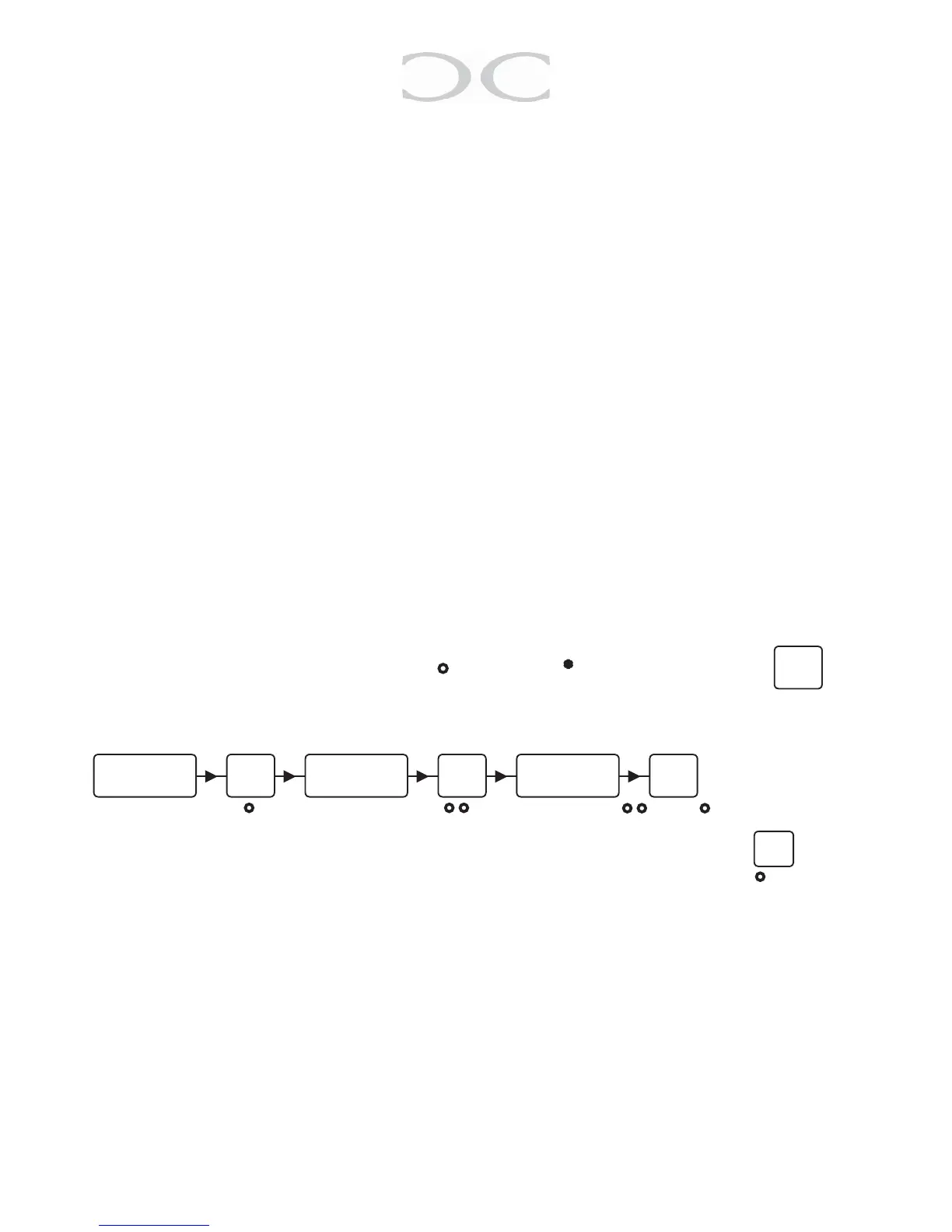
LEDindication: Nolight:○ Lit: ● Flash: * Clear buer:
New users
(4711 - default)
○ ● ○ ● ● ○
● ● ○ ○ ● ○
Toprogrammoreusers,continuefrom“Keyintheuserposition”orpress to


 To Next Page