22 23
Ending the alarm
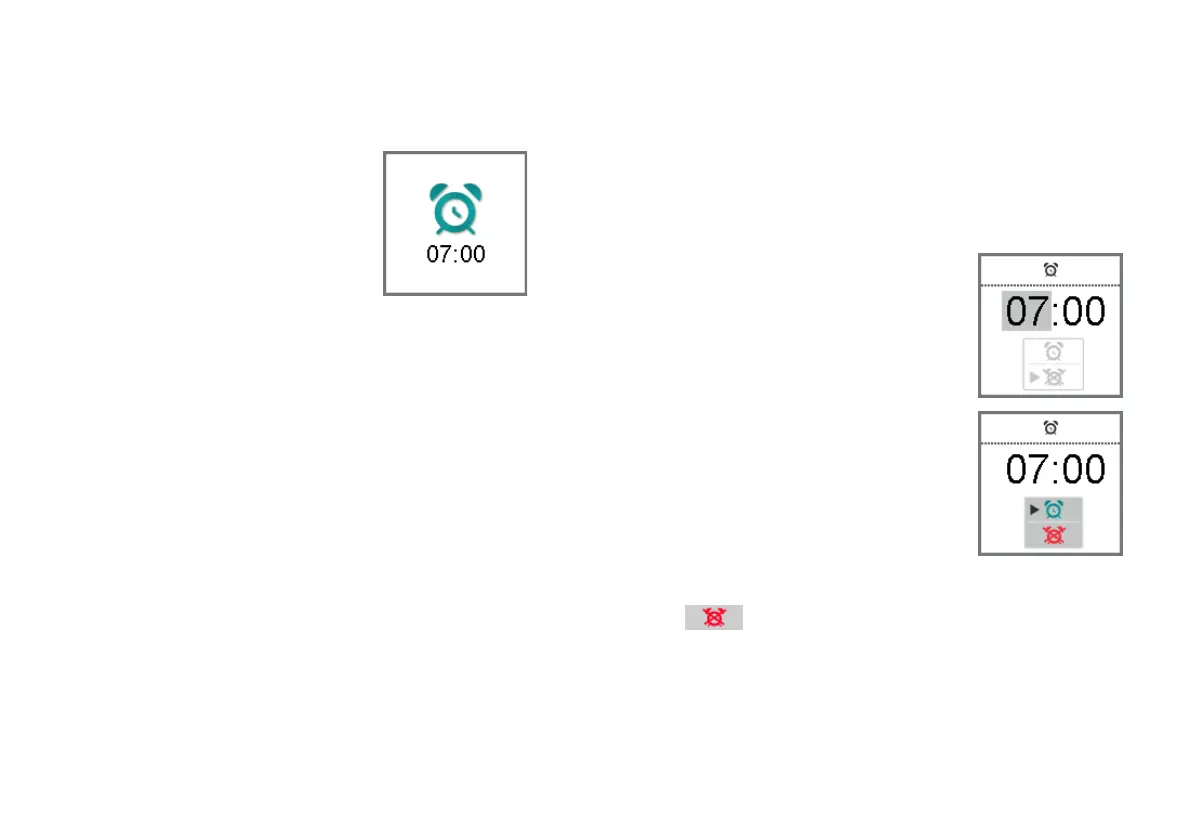
When the alarm clock rings, a
corresponding icon is displayed on
the remote control.
If you do not end the alarm, it is
repeated within the next minutes.
XTo end the alarm, press any button.
The alarm clock will ring at the same time on the next
day.
Turning the alarm clock off
XTo enter the menu, press the volume up button and the
volume down button simultaneously.
XNavigate to the menu entry Alarm by pressing the
volume up button or the volume down button.
XConfirm your selection by pressing
the program change button.
The entry field for hours is
highlighted.
XPress the program change button
twice to skip the entry fields for
hours and minutes.
The alarm on/off selection field is
highlighted.
XPress the volume up button or the
volume down button to position
the cursor next to alarm clock off:
XConfirm your selection by pressing the program change
button.



 To Next Page