32 33
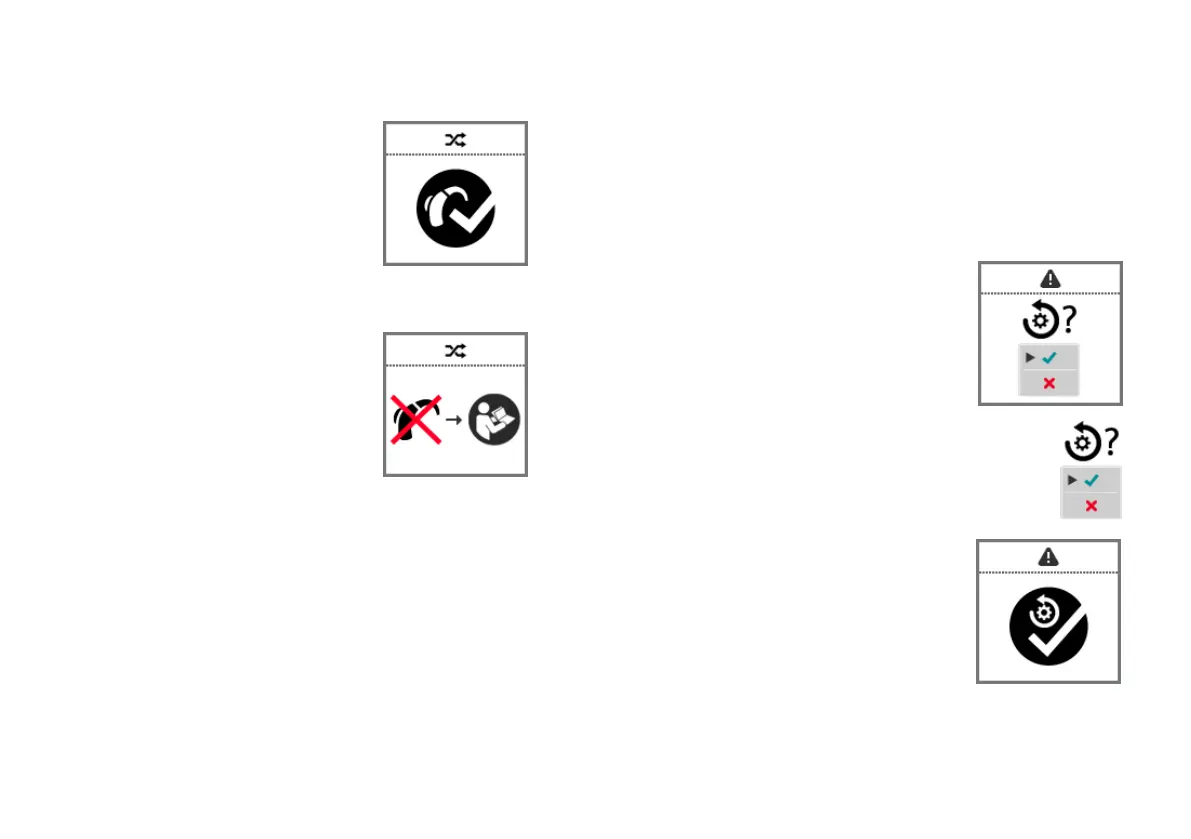
When pairing is successfully finished,
a corresponding symbol is displayed.
You can now use Smart Remote.
If the hearing instruments could not be paired, you have
the following options:
Ensure that the hearing
instruments are within operating
distance.
Ensure that you have appropriate
hearing instrument models.
Check that both hearing
instruments and Smart Remote are working correctly
(battery status, …).
Reset Smart Remote to factory settings and try again.
Resetting Smart Remote to factory settings
XTo enter the menu, press the volume up button and the
volume down button simultaneously.
XNavigate to the menu entry Info by pressing the
volume up button or the volume down button.
XConfirm your selection by pressing the program change
button.
The battery status is displayed.
XScroll down by pressing the volume down button.
The serial number and other information are displayed.
XPress and hold both control
buttons simultaneously for
5 seconds.
Smart Remote prompts
you to confirm the reset
(refer to the picture).
XConfirm that the hearing instruments are
to be reset: Navigate to the green hook and
press the program change button.
When Smart Remote is reset, a
corresponding symbol is displayed.



 To Next Page