14 15
X
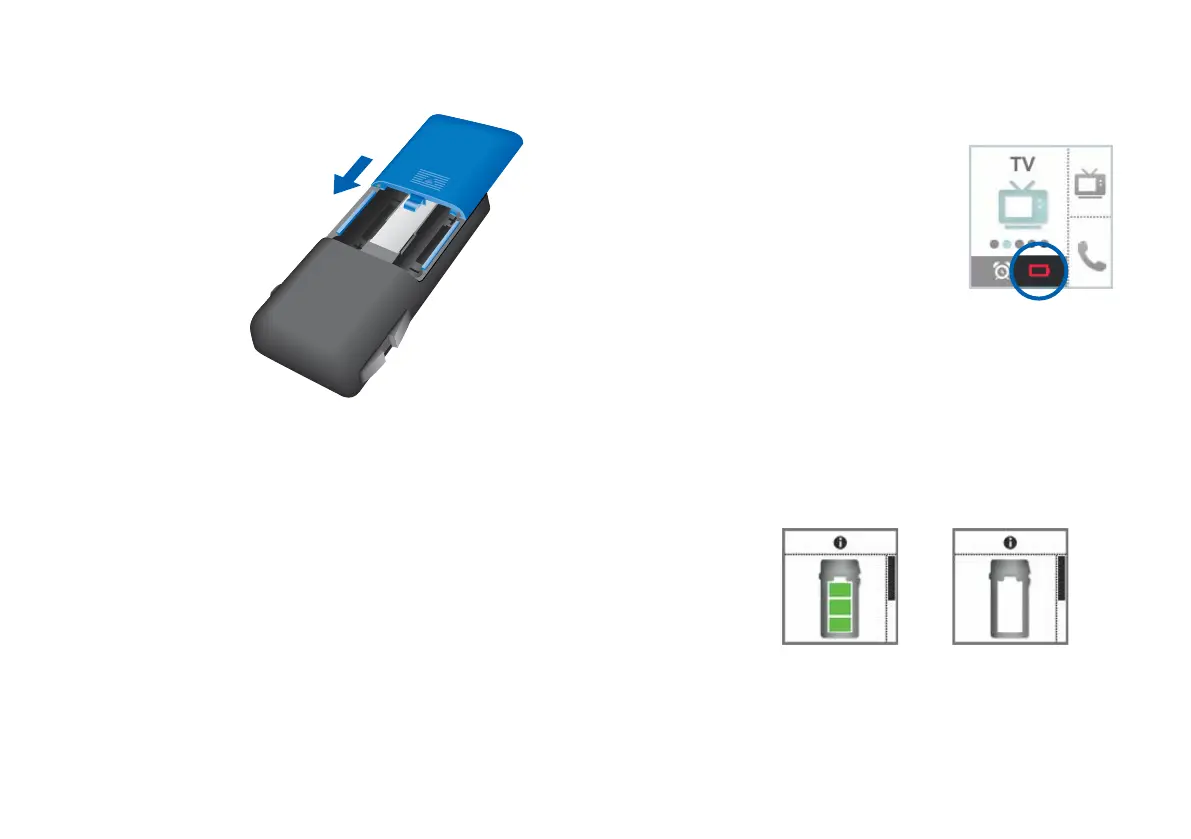
Attach the cover
by sliding it
onto the remote
control.
Date and time setting are displayed.
If the Smart Remote is without battery power for an
extended period, date and time may no longer be
correct. This can be manually corrected. Refer to sections
"Setting the time" and "Setting the date".
Checking the battery status
When the batteries of the remote
control are low, this is indicated in
the status bar.
Additionally, you can check the
battery status at any time in the
menu.
XTo enter the menu, press the volume up button and the
volume down button simultaneously.
XNavigate to the menu entry Info by pressing the
volume up button or the volume down button.
XConfirm your selection by pressing the program change
button.
The battery status is displayed:
battery full battery empty
XTo return to the standard display, press the program
change button.
Remove empty batteries immediately and dispose of them
according to local regulations.



 To Next Page