16 17
Adjusting the volume
If you are wearing two hearing instruments, the volume
will be adjusted on both instruments at the same time.
XPress the volume up button or the volume down
button to adjust the volume by one step.
Changing the hearing program
If you are wearing two hearing instruments, the hearing
program will be changed on both instruments. The
procedure for changing the hearing program differs for
the unprogrammed and the programmed Smart Remote.
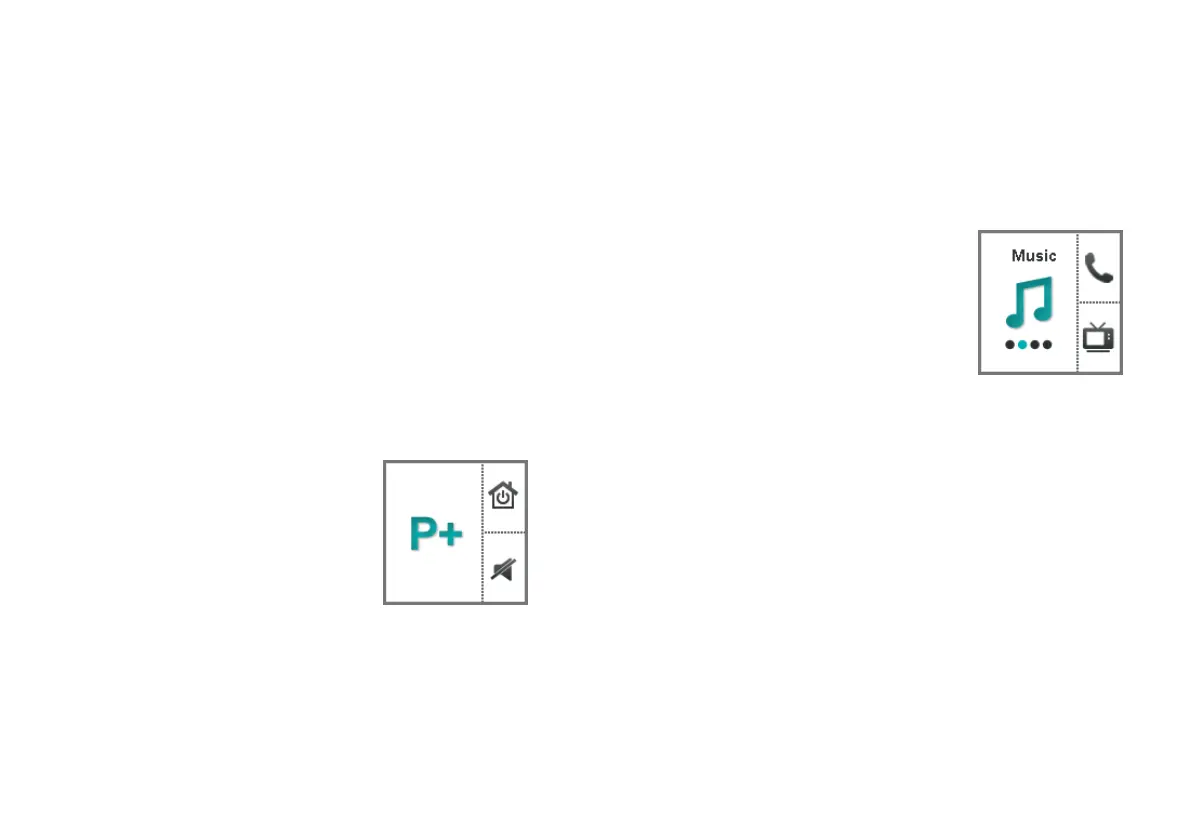
Unprogrammed Smart Remote
XPress the program change button
to switch to the next hearing
program.
Daily use
Programmed Smart Remote
XPress the program change button repeatedly until the
icon of the desired hearing program is displayed.
or
XPress the control button next to
the icon for direct access to the
desired hearing program.
The control buttons have to be
configured by your Hearing Care
Professional.



 To Next Page