12 13
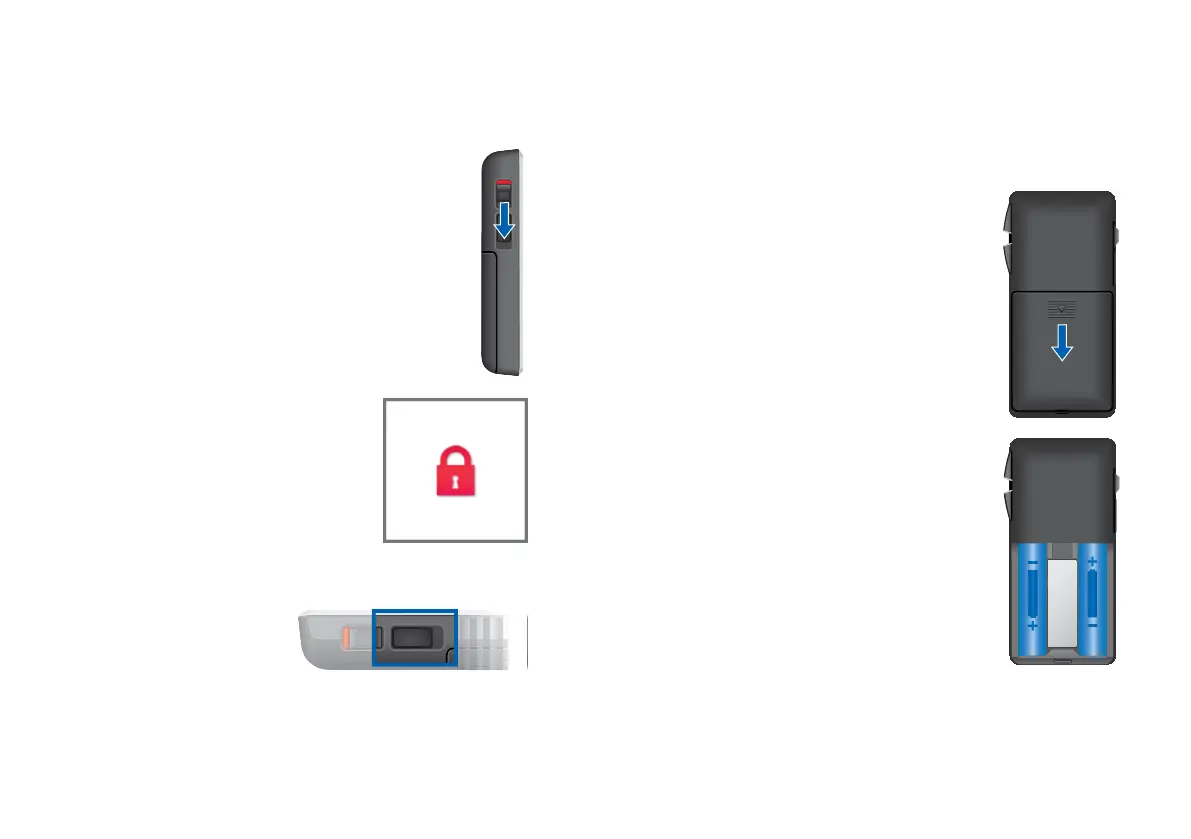
Key lock switch
XTo prevent any accidental operation while
the remote control is in pockets or bags,
move the key lock switch to lock position
(red color visible).
When the key lock is active, all
buttons on the remote control
are disabled. The following icon is
displayed.
Programming connection
This connection is only to
be used by your Hearing
Care Professional for
programming the remote
control.
The remote control uses two AAA batteries.
Inserting batteries
XSlide the battery compartment cover
in the direction of the arrow.
XInsert the batteries.
Make sure the "+" symbols on the
battery and compartment are aligned.
Batteries



 To Next Page