Edition 05/2014 - X-ONE - page 20
SACOME, CONFIDENTIAL Document,
it is forbidden to duplicate or communicate this document without previous authorization.
9.2 TECHNICAL MENU PROGRAMMING EXPLANATIONS:
Languages:
Set the language used for inscriptions on the display.
The available languages are: ENGLISH - FRENCH - ITALIAN - SPANISH
Name:
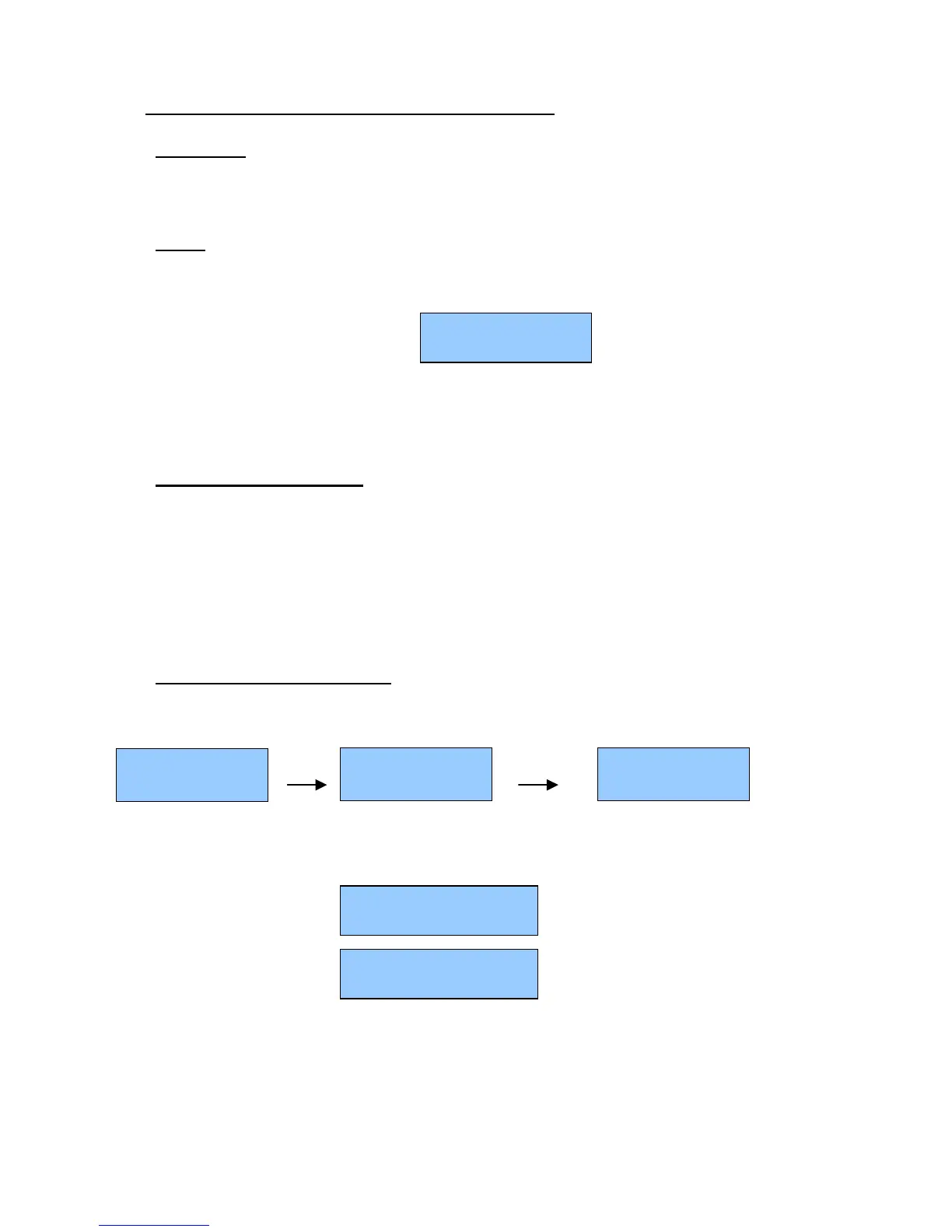
Allows to sets the name that appears on the bottom line of the display:
The display shows:
Cursor indicates the 1
st
character position:
• To change character press + or –
• Press ENTER to go right
• To finish press MENU
Service telephone number:
Allows to sets the technical service phone number to call in case of failure.
This number appears on the bottom line of the display when a failure is detected by the electronics.
An alarm message appears at the same time.
Cursor indicates the 1
st
character position:
• To change character press + or –
• Press ENTER to go right
• To finish press MENU
Extraction time on the display:
Allows you to see for each group, the extraction time done to make a coffee.
To see this «Extraction time» on display, you need to activate this function. This setting is done by pressing +
or -. Button. You need to choose for a 2 groups or a 3 groups machine
When «Extraction time» is activated, display shows:
For a 3 groups
For a 2 groups
Time starts to run from the start of the infusion (pre infusion is not recognized) and ends at the closing of the
solenoid coffee. Time (max 99 sec) is displayed until another coffee is done.
T1 is the extraction time recorded on group 1.
T2 is the extraction time recorded on group 2.
T3 is the extraction time recorded on group 3.
x°C HH:mm
Name
T1 T2 T3
XX s XX s XX s
+ or -



 To Next Page