22 23
TESTING
C
ONTOUR
®
NEXT ONE blood glucose monitoring system
About Meal Markers
During a blood sugar test, you can attach a Meal Marker to your
blood sugar result when the Meal Marker feature in the meter is
turned On. This feature lets you track your blood sugar levels over
time with separate Target Ranges for Fasting, Before Meal, and
After Meal markers.
Your
C
ONTOUR NEXT ONE meter comes with Meal Markers turned
Off. You can turn Meal Markers On in Settings.
Turn Meal Markers On
To turn Meal Markers On see Settings: Set Meal Markers
on page
41.
NOTE: You can select a Meal Marker only when the blood sugar
test result displays on the screen.
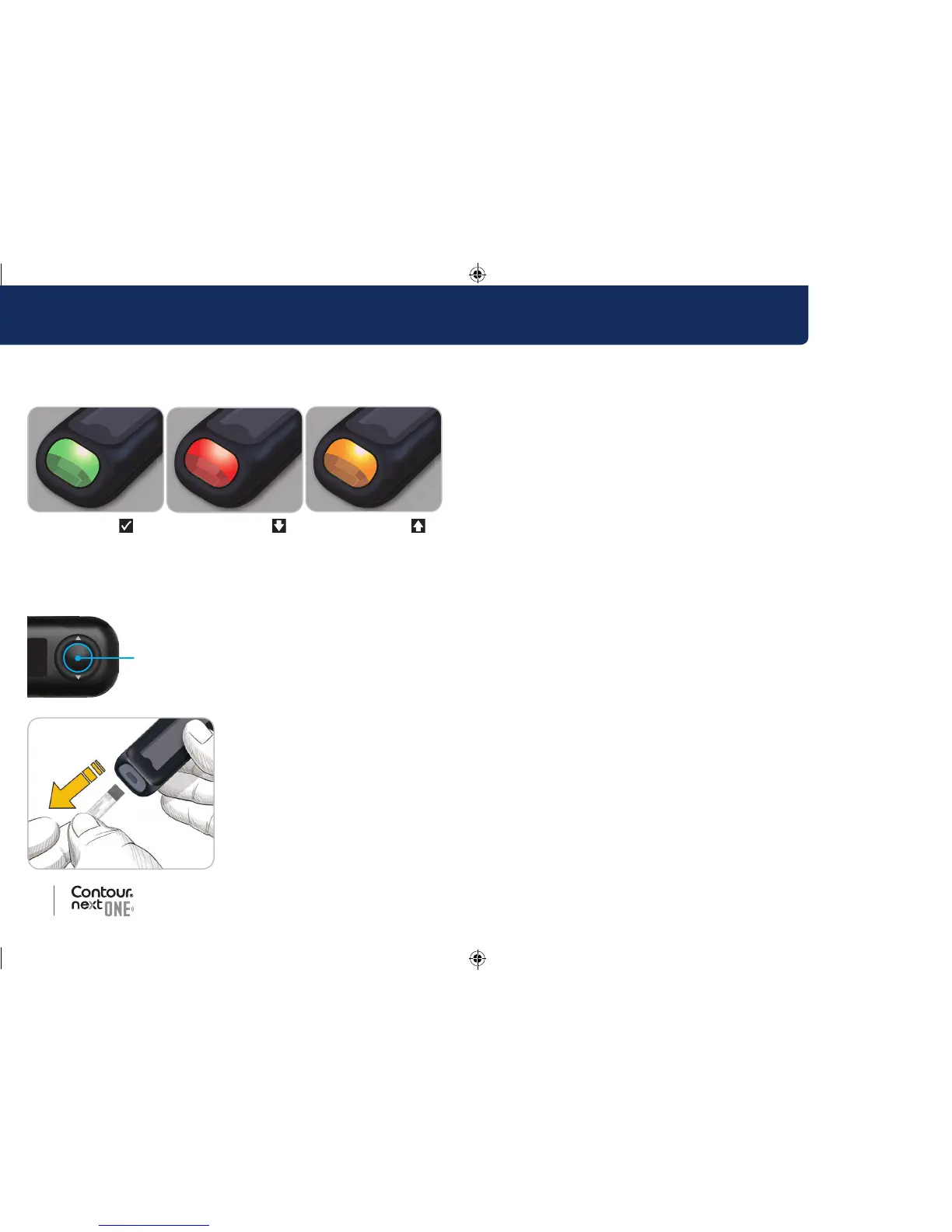
If the Target Light (smartLIGHT) setting is On, the test strip port
displays a colour representing your result value compared to the
Before Meal, After Meal, or Overall Target Range.
In Target Below Target Above Target
If your blood sugar result is below target, the Target Light
(smartLIGHT) is red and meter beeps twice.
If you do not select a Meal Marker, your blood sugar test result is
compared to an Overall Target Range.
OK Button
4. To move to the Home screen,
press the OK button
or
5. To turn the meter off, remove the
test strip.
85096877_CntrNxtONE_UG_EN.indd 22-23 9/21/16 3:47 AM



 To Next Page