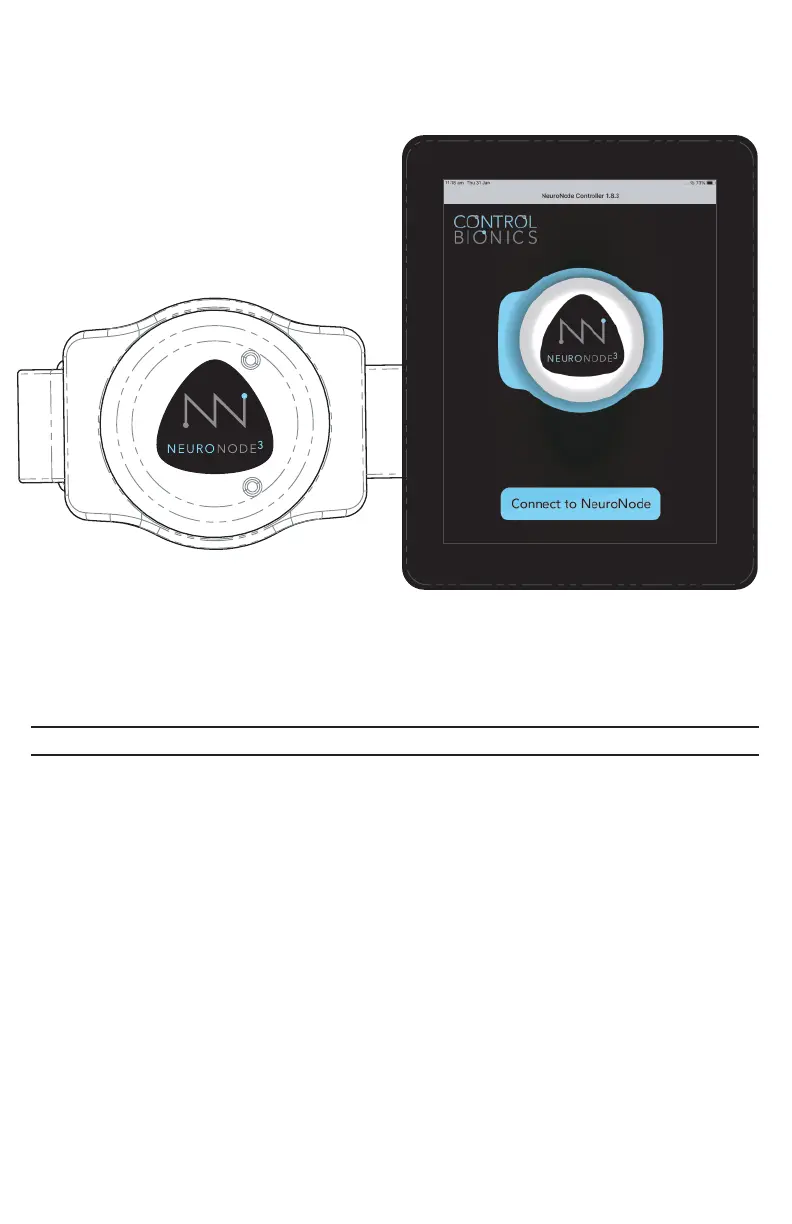
Connecting the NeuroNode3
The NeuroNode3 is shipped and ready to be paired with a device upon arrival. To
pair the NeuroNode to another device, follow these steps:
1. Ensure the NeuroNode3 is fully charged.
2. Power on the device and access the device’s Bluetooth Settings.
3. Ensure Bluetooth is turned ON.
4. Add a new Bluetooth device, or select “NeuroNode” from the list of available
devices.
5. Open the NeuroNode Controller Application and select “Connect to
NeuroNode.”
6. Upon receiving a NeuroNode Pairing Request, select “Pair.”
PAGE 11 | GETTING STARTED



 To Next Page