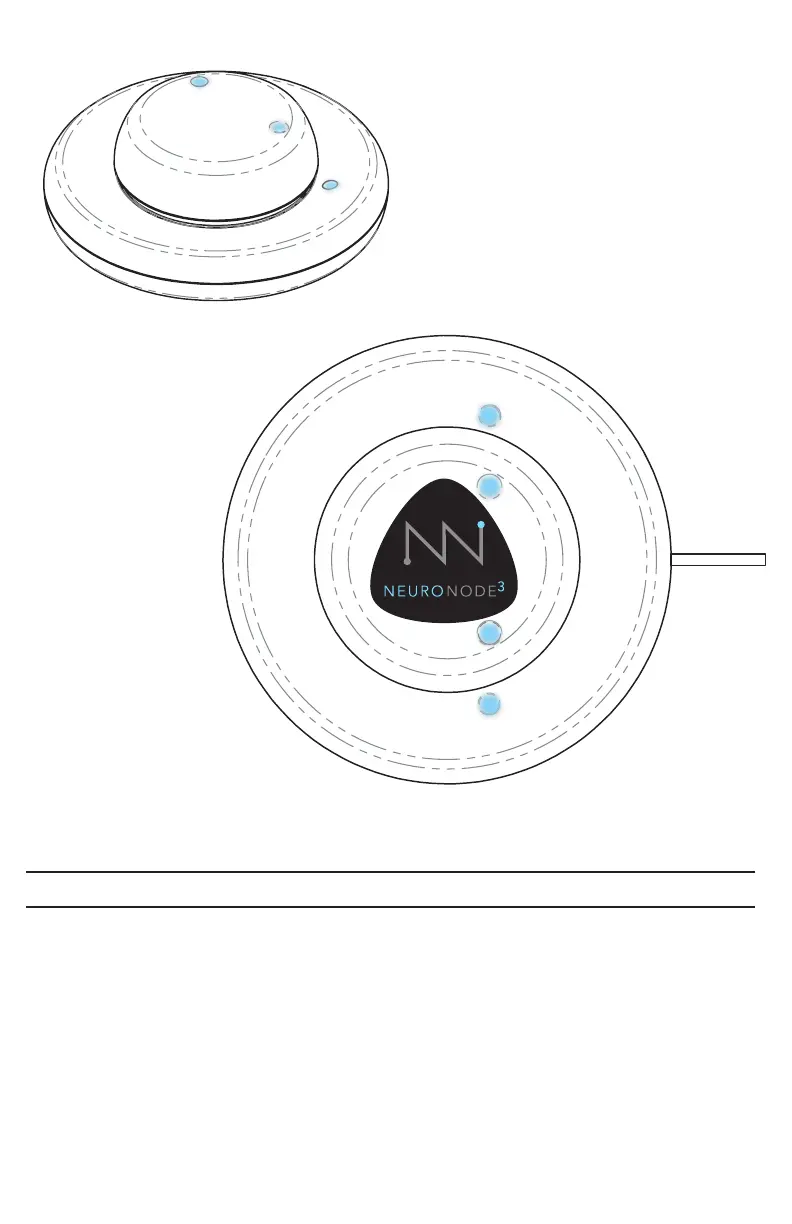
Charging the Battery
1. Using the provided cable, connect the charger to the provided wall port.
2. Carefully align the NeuroNode3 with the NeuroNode charging indicators in
order to ensure the device is charging properly.
A green light indicates that the NeuroNode charger is properly powered.
When the NeuroNode3 is aligned properly on the device, and charging, a red light
on the charger base will indicate the device is charging.
A full charge is indicated when the red charging light turns off.
PAGE 15 | ACCESSORIES



 To Next Page