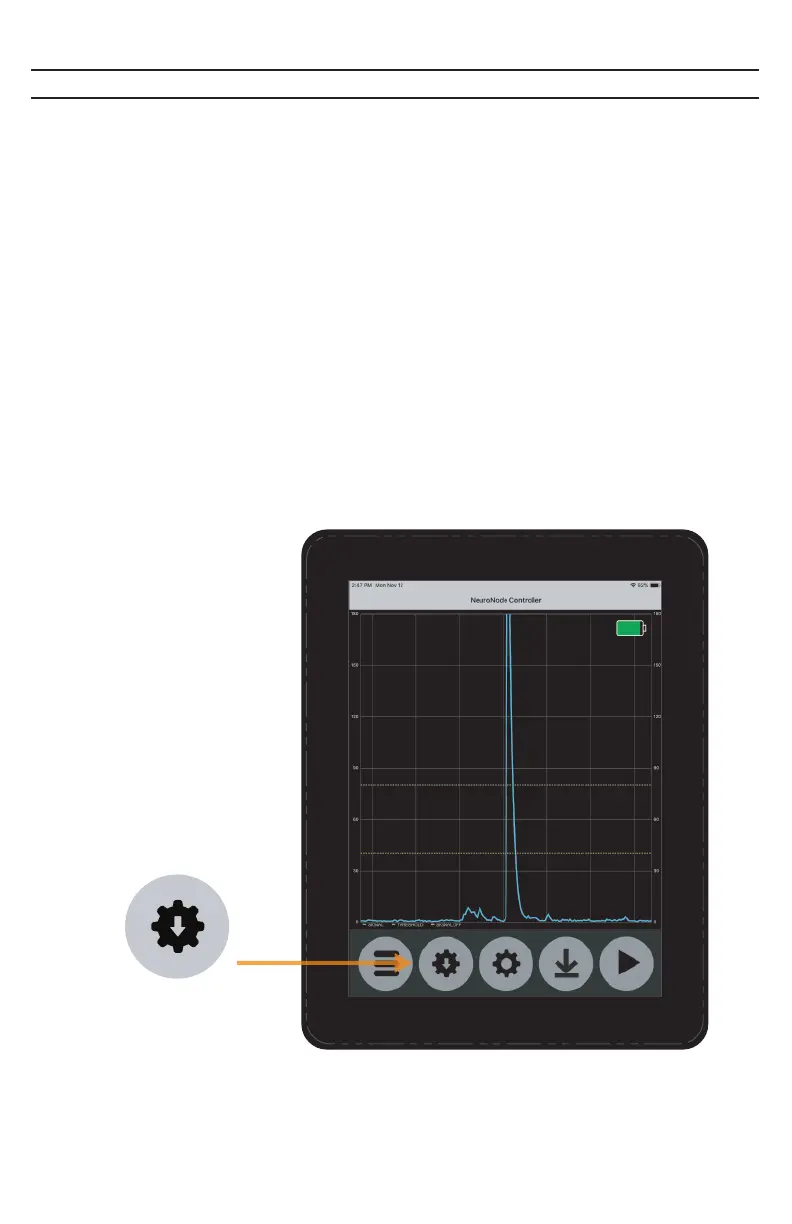
Saving the NeuroNode3 Settings
Once the ideal signaling parameters have been determined utilizing the
Neuronode Controller Application, it may be useful to save these settings to the
NeuroNode3. This allows for quick set up for daily use. Follow the steps below to
save your signaling parameters to the NeuroNode3:
1. Select the “Save” icon within the NeuroNode Controller Application.
2. Go to the device’s Bluetooth Settings and turn off the device Bluetooth. Wait
approximately 10 seconds and then turn the device Bluetooth back on.
3. Return to the NeuroNode Controller Application and select “Connect to
NeuroNode.” Once connected verify the signaling parameters have saved and
and ensure a good signal can be made.
Save
PAGE 28 | TROUBLESHOOTING



 To Next Page