PAGE 26 | TROUBLESHOOTING
Putting the NeuroNode3 in Standby Mode
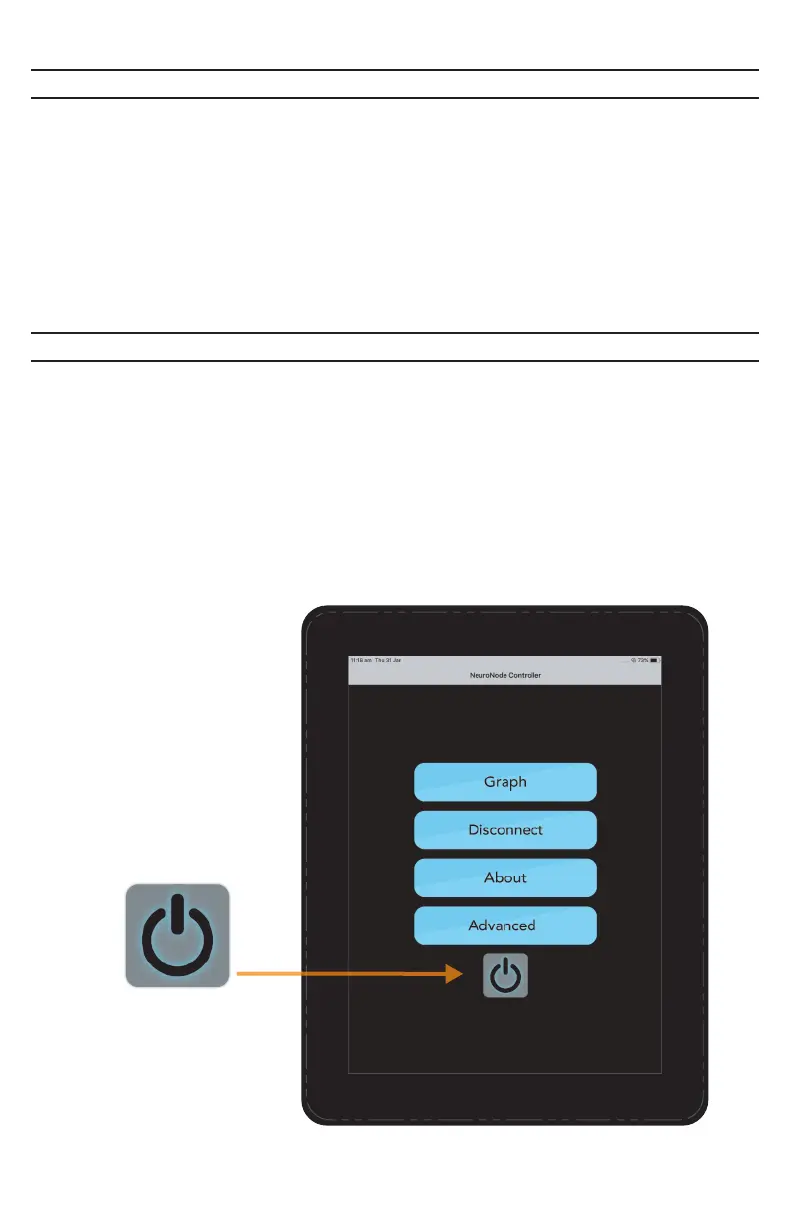
At times it will be helpful to end a current NeuroNode3 session in order to resume
at a later time. In order to ensure this does not disrupt the user’s connection,
select the Standby Button from the NeuroNode Controller Applicaton Main
Menu.
Alternatively, follow steps 1-2 listed in the Power Cycle Guide to put the
NeuroNode3 in standby mode.
Resuming a NeuroNode3 Session
In order to resume a NeuroNode3 session and remove the device from Standby
mode, gently shake the NeuroNode3 and it will transition out of Standby, allowing
the NeuroNode3 to be connected in the Application.
Optionally, use the provided push pin tool to breifly push the Standby button on
the bottom of the device. The initial launch sequence should begin, indicating
an activated NeuroNode3
Standby Button



 To Next Page