PAGE 25 | TROUBLESHOOTING
NeuroNode3 Power Cycle Guide
In some circumstances it may be necessary to perform a power cycle of the
NeuroNode3. In order to do this follow these steps:
1. If applicable, in the NeuroNode Controller Application, select “Disconnect.”
2. Using the provided push pin tool, hold down the Standby button for 5
consecutive seconds until the NeuroNode3 Signal Indicator shows a solid blue
or green light.
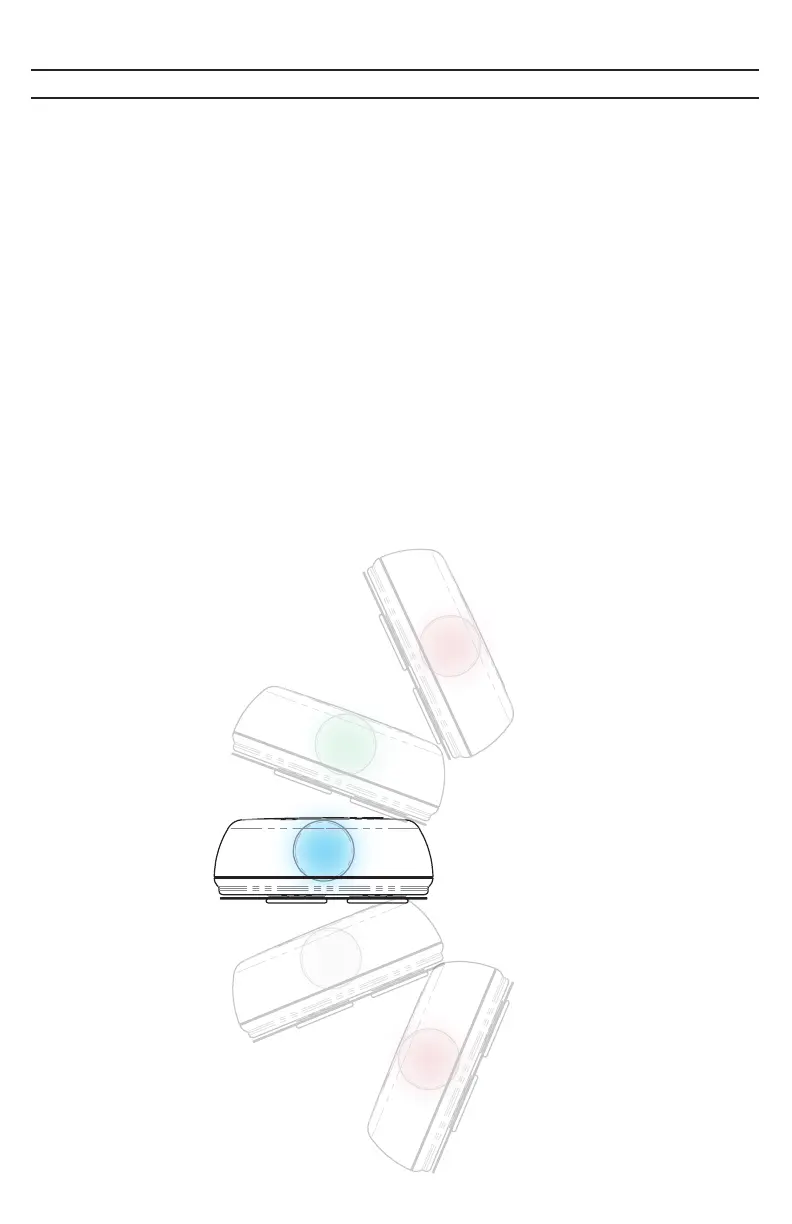
3. After 10 seconds, “Shake-to-Wake” can be used to bring the NeuroNode3 out
of the Standby mode. Gently shake the NeuroNode3 and it will transition out of
Standby, allowing the NeuroNode3 to be connected in the Application.
Optionally, use the provided push pin tool to briefly push the Standby button
on the bottom of the device. The initial launch sequence should begin,
indicating an activated NeuroNode3.



 To Next Page