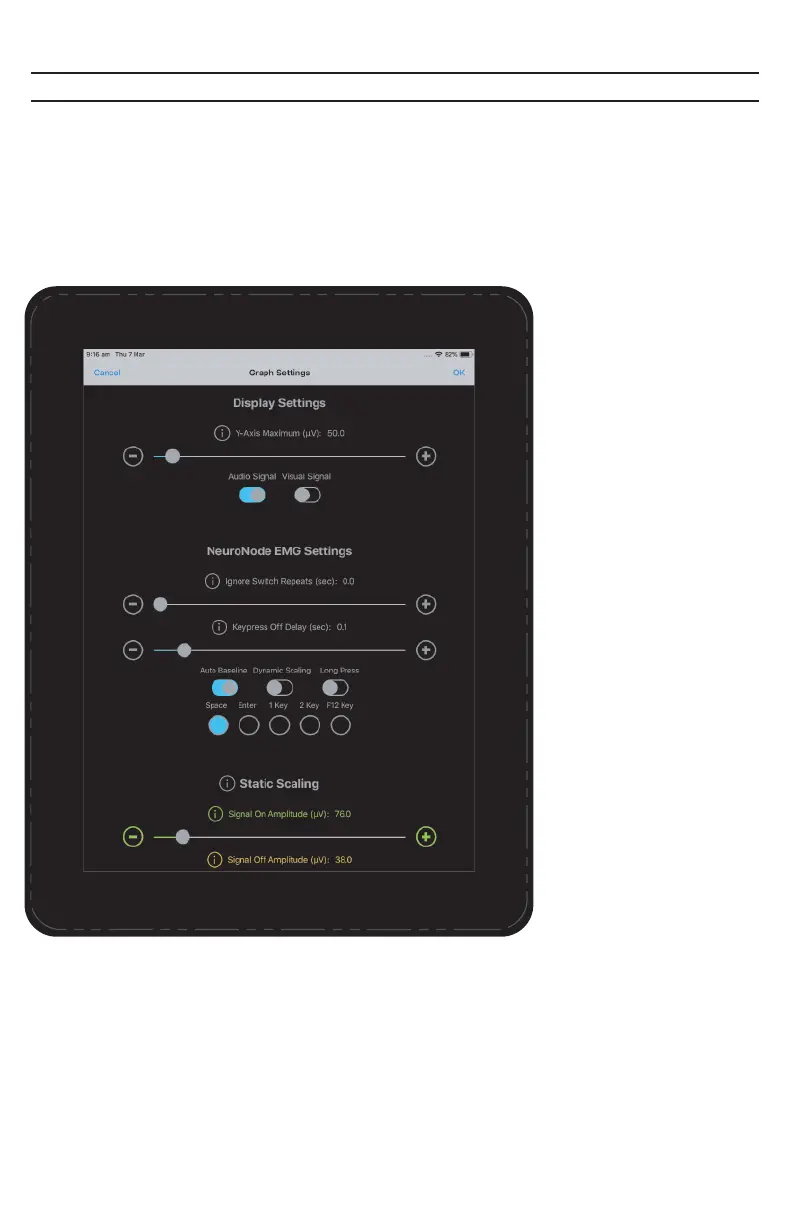
Graph Settings
Access the Graph Settings by selecting the Graph Settings icon in the center of
the Graph Menu.
Y-Axis Maximum:
Sets the full-scale range of
the graph. Setting this
parameter to 100
microvolts, for example,
will allow EMG/Spatial
signals of 1 to 100
microvolts to fully appear
on the graph.
Visual Signal Indicator:
Directs the Application to
flash the display when a
Switch is made (i.e., when
the signal crosses above
the Signal On Amplitude).
Audio Signal Indicator:
Directs the Application to
beep when a Switch is
made (i.e., when the
signal crosses above the
Signal On Amplitude).
Ignore Switch Repeats:
This setting is helpful
when the user is getting
“false” Switches after the
original Switch. These
unintended Switches can
be the result of fascicula-
tion or an inability to relax
after making the original
Switch. Most Assistive
Technology software
suites have a similar
setting, but the
implementation details
can vary. As offered by the
NeuroNode Controller
Application, saving the
Ignore Switch Repeats
setting to the NeuroNode3
can provide more
consistent Switching
performance across
multiple platforms and
applications.
PAGE 20 | ACCESSORIES



 To Next Page