CS1171 Hand-Held Programmer User's Manual
Control Solutions LLC Page 12 of 56
Input and Navigation
The user can review and configure controllers by navigating through a series of
menus and options. Navigation is performed using the keypad buttons located on the
front of the unit. Table 4 describes the function of each HHP keypad button.
This button only serves to power up or power down the unit. With
most applications, the HHP will power up with the system.
This button is used to navigate to the Main Menu or set a parameter.
This button is used to scroll down through the menu list or decrement
the current parameter.
This button is used to scroll up through the menu list or increment the
current parameter.
This button is used to access a lower level menu or select a
parameter to modify.
Table 4 - HHP Navigation
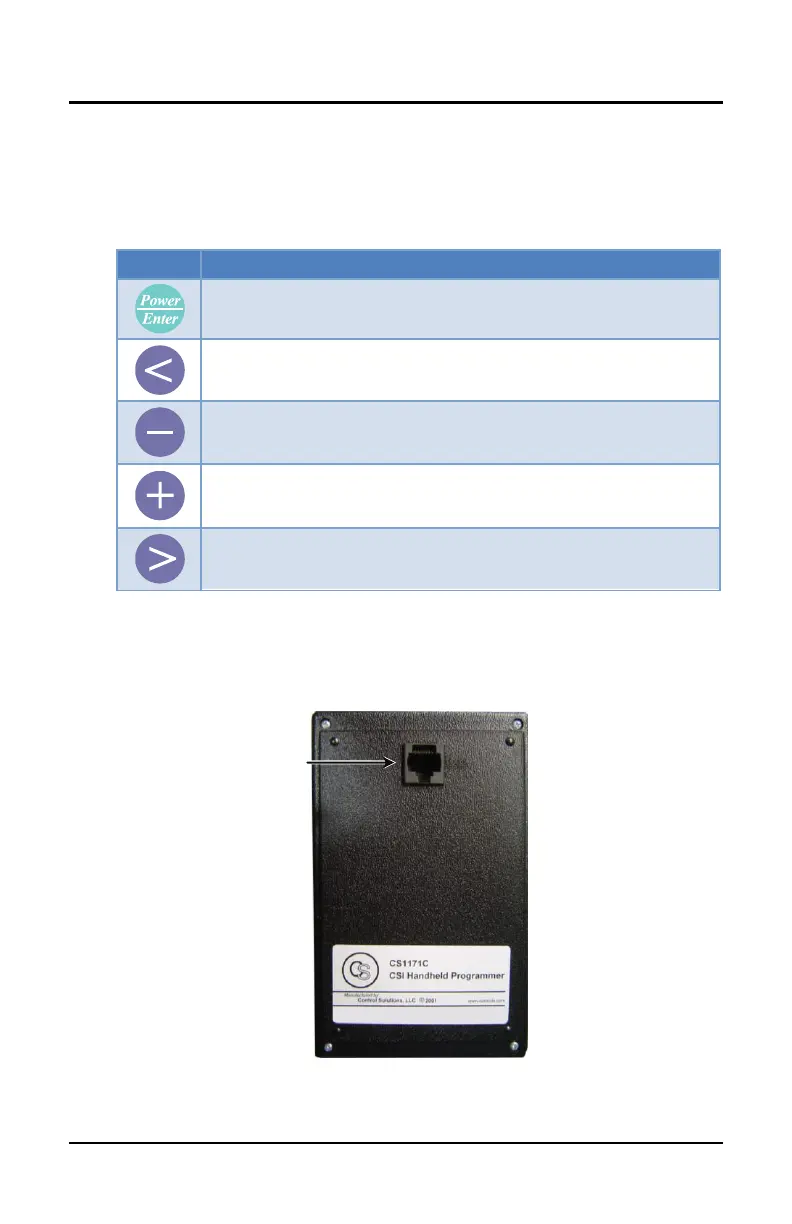
Cable Interface
The RJ45 port is located on the top middle back of the HHP unit. See Figure 4.



 To Next Page