User's Manual CS1171 Hand-Held Programmer
Page 27 of 56 Control Solutions LLC
Sets the Current Limit Upper Bound, maximum current allowable
(in Amps). When initially current limiting, current will not exceed
the upper bound. Due to tolerances in the drive system, it is
recommended to verify the maximum current limit. See Figure 16.
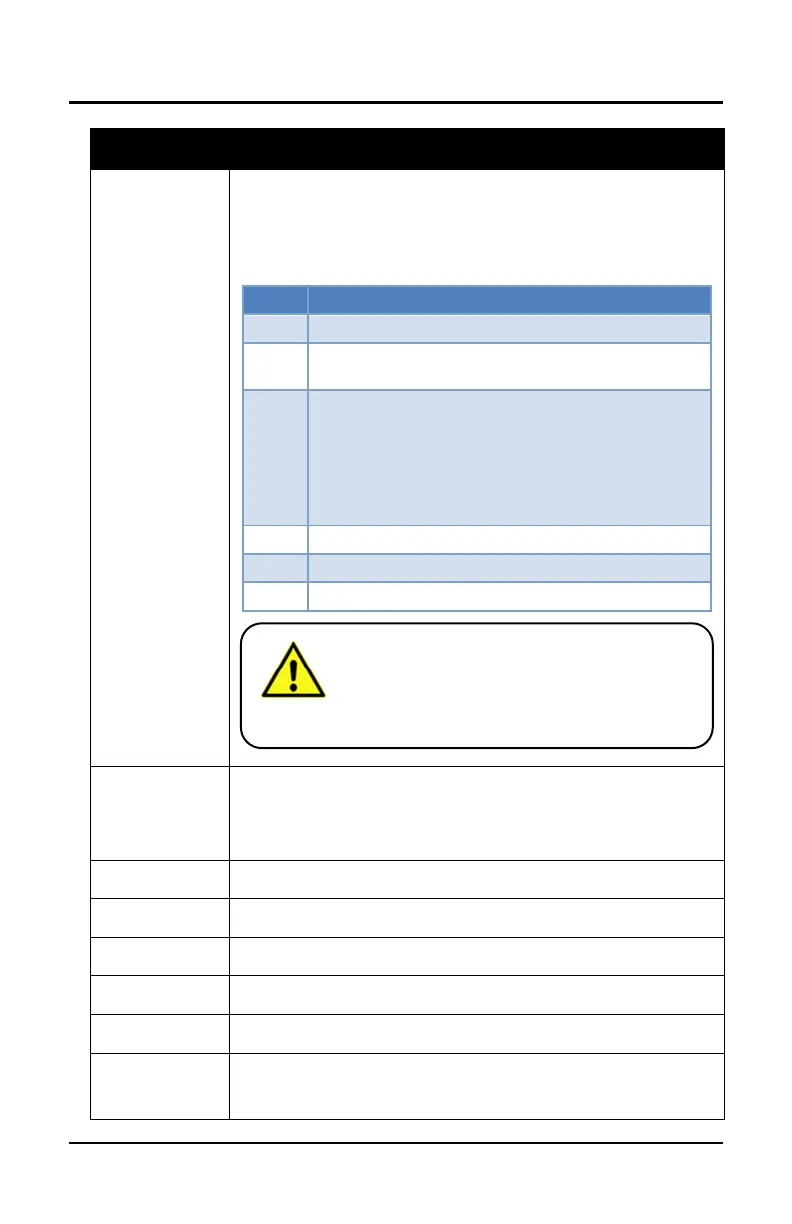
To verify the maximum current limit:
Apply full throttle to the controller and measure the
motor current with a calibrated DC clamp meter
If the current is:
Too high, decrement the Cur lim hi parameter
by one
Too low, increment the Cur lim hi parameter
by one
Acceptable, continue with step 6
Allow the controller to cool off for a minute or two
Stop you have completed this procedure
Sets the delay time before a controller abruptly drops from the
programmed maximum allowable current limit (Cur lim hi) to the
lower current limit (Cur lim lo), when Step curlim is enabled. See
Figure 16.
See Meters Sub-Menu on page 31.
See Advanced Sub-Menu on page 32.
See Options Sub-Menu on page 35.
See Functions Sub-Menu on page 38.
See Debug Sub-Menu on page 40.
Adjusts the Hand-Held Programmer’s LCD contrast.
0 = lightest; 50 = default; 100 = darkest
Setting the current limit value too high can result
in damage to the motor controller, as well as other
components in the vehicle. Do not set this value
higher than the maximum rated current for the
motors, cables, batteries, and controller. Refer to
Table 8 for range values.



 To Next Page