1-2
1010PVNFM-3A
Section 1
NOTE: The keypad does not have alphabetic keys. Scrolling lists provide alpha-nu-
meric characters as needed.
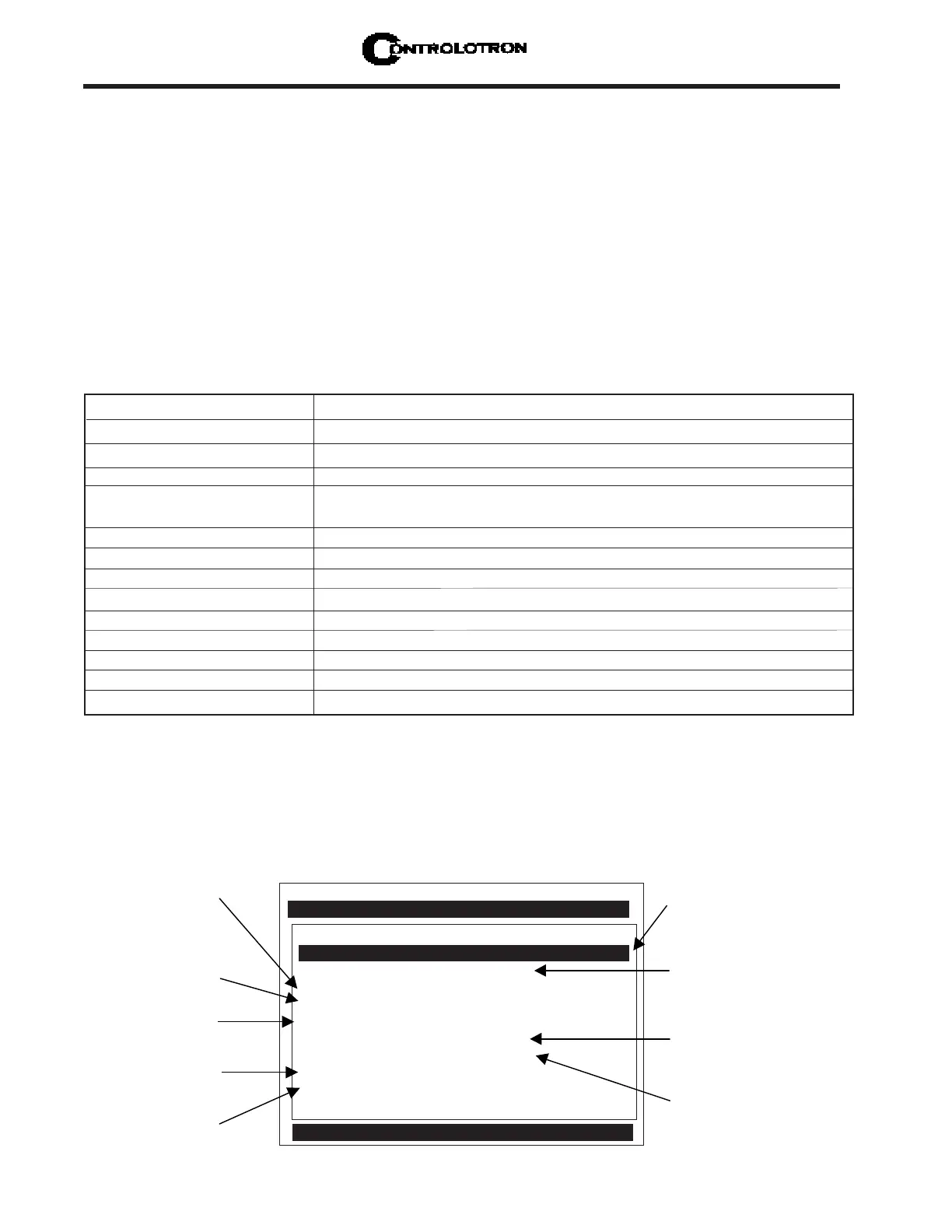
1.6 INTRODUCTION TO THE 1010PVN MENU SCREENS
The figure below shows a typical 1010PVN menu screen (in this case, the Pipe Data Menu).
1.4 THE KEYPAD ENABLE SWITCH
All System 1010PVN models provide a keypad enable/disable switch to prevent unauthorized
access to the Installation Menu. In addition, a password entry option is available (see Channel
Setup). The keypad enable/disable switch is located inside the lockable enclosure just above
the I/O wiring terminal. Please switch to the enable position before proceeding further. If
necessary, see Drawings 1010N-7 and 1010DN-7 for location details.
1.5 THE 1010PVN KEYPAD
The 1010PVN integral keypad provides 32 numeric and function keys (see table below). Use
these keys to enter, review or edit the site data. Certain keys control the graphics display,
Datalogger and Totalizer. “Blind Models”, having no keypad or display, must be setup by us-
ing their serial data port (see Appendix B).
KEYPAD FUNCTION CHART
MENU Press to activate the Installation Menu.
ENT Press <ENT> to store numeric data, select from option lists, etc.
LEFT, RIGHT ARROWS Menu navigation keys move cursor in respective directions.
UP, DOWN ARROWS Same as <Left> and <Right>. Also scrolls option list and graphic
display screen.
CLR Clear Key for erasing data, or selecting list options.
NUMBERS 0-9 Use to type numeric data.
DECIMAL POINT Use for decimal points in numeric data.
MATH OPERATORS Allows 4-function math operations in numeric entry cells.
“F” KEYS 1-3 Totalizer control and special function keys.
“F4” KEY CAUTION: SYSTEM RESET KEY (during power up)
CTL & ALT Used as shift keys for alternate key functions.
DATALOG Triggers immediate Datalogger report.
PLUS/MINUS [+/-] Changes the sign of numeric data.
KEY USAGE
Controlotron Dual Path ABC
Select Pipe Class from Pipe Table
Select Path All
Select Pipe Class Manual Entry
Select Pipe Size No Pipes
Pipe OD <in> 0.500
Pipe Material Steel
Wall Thickness 0.100
Liner Material None
Liner Thickness 0.000
ThermExp Coef 1/F 0.00
Mod of Elast PSI 0.000
Pipe Data
Use this menu
cell to edit the
pipe material.
Use this menu
cell to edit the
pipe outer
diameter.
Use this menu cell to edit
the pipe liner thickness.
Use this menu cell to
select a pipe liner
material.
After picking a pipe class,
use this menu cell to
select a pipe from within
that class.
Use this menu cell to select a Pipe
Class from one of the meter's presets.
The [Manual Entry] selection (default)
means that you enter pipe data
manually.
Thermal Expansion Coefficient
of the pipe wall (x10
-6
).
the Modulus of Elasticity



 To Next Page