2-26
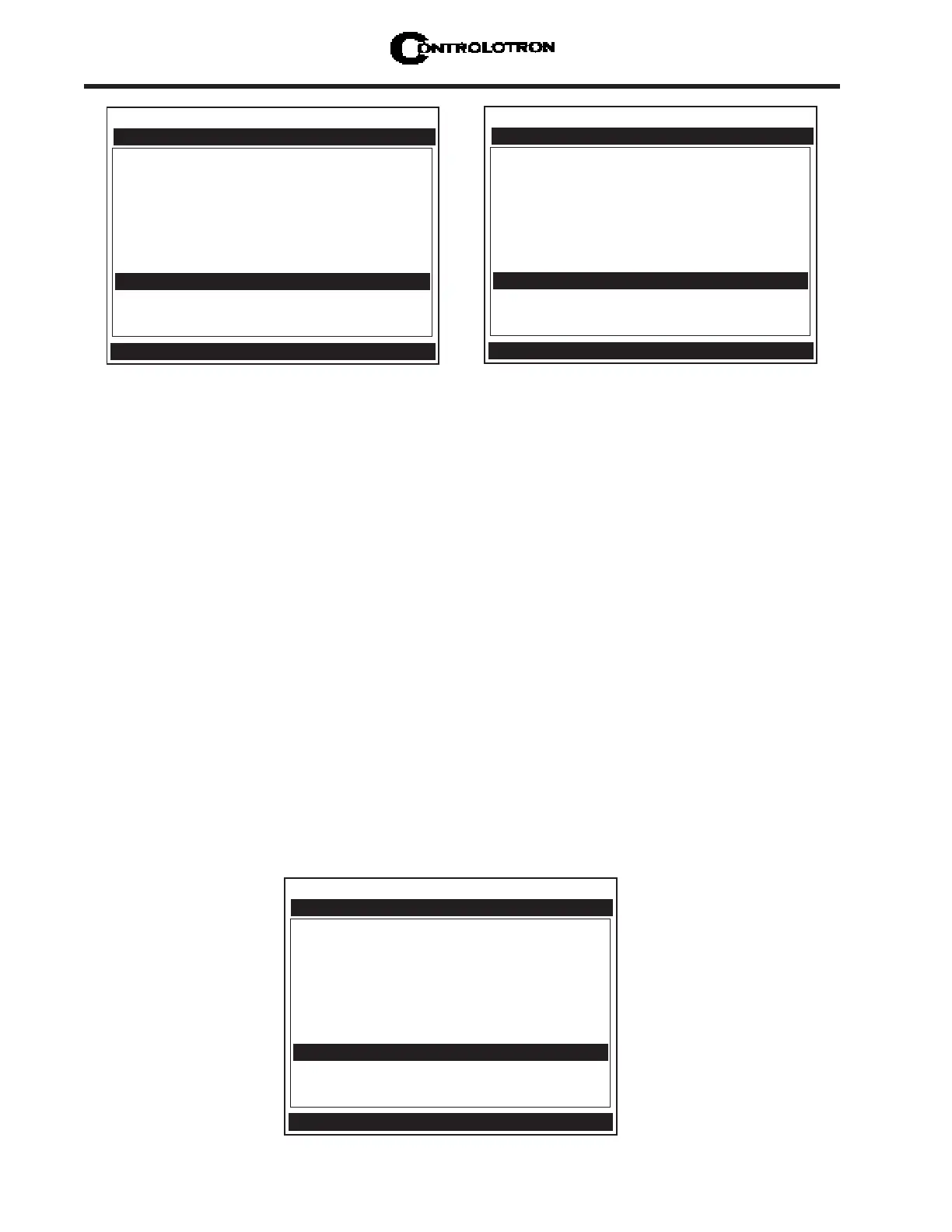
1010PVNFM-3A
Section 2
Transducer Model 1011 Universal
Transducer Size B3
Xdcr Mount Mode Direct
Spacing Offset Minimum
Number Index 4
Spacing Method Track 1012TP
Ltn Value (in) 0.217
Install Completed? Yes
Empty Pipe Set Channel Not Setup
Zero Flow Adjust Channel Not Setup
Controlotron Dual Path SITE1
Key [Install] after mounting transducers
Pick/Install Xdcr
Press <ENT>. The [Install Completed?] menu cell will indicate [Yes] after the 1010PVN
is successfully installed.
Transducer Model 1011 Universal
Transducer Size B3
Xdcr Mount Mode Direct
Spacing Offset Minimum
Number Index 4
Spacing Method Track 1012TP
Ltn Value (in) 0.217
Install Completed? Install
Empty Pipe Set Channel Not Setup
Zero Flow Adjust Channel Not Setup
Controlotron Dual Path SITE1
Drive 0
Pick/Install Xdcr
1. After [Install Completed?] is selected press <ENT>. While the meter is going through the
drives (see menu screen below), press the <ALT> and <MENU> keys simultaneously.
Force Transmit Procedure
This diagnostic software routine allows the user to “force” a transmitting condition that can
be use to search for an amplitude level (ALC) when Detection Fault or Low Signal alarms are
present. The routine forces the flowmeter to generate constant transmit bursts while report-
ing current receive signal strength for the user.To initiate the Force Transmit function, refer
to example below.
Transducer Model 1011 Universal
Transducer Size B3
Xdcr Mount Mode Direct
Spacing Offset Minimum
Number Index 4
Spacing Method Track 1012TP
Ltn Value (in) 0.217
Install Completed? No
Empty Pipe Set Channel Not Setup
Zero Flow Adjust Channel Not Setup
Controlotron Dual Path SITE1
Key [Install] after mounting transducers
Pick/Install Xdcr
To complete the Install process disregard the following paragraphs explaining the
Force Transmit and Force Frequency diagnostic software routines. Proceed to the In-
stall process completion steps immediately following the Force Transmit procedures.
NOTE: If the transducers have been installed successfully but the Estimated Vs (sonic
velocity) has been changed, the Pick/Install Xdcr menu cell [Install Completed?]
option list will also display the [Transfer Install] function selection. The Trans-
fer Install function allows the transducers to be optimally positioned for a dif-
ferent fluid, without the need for a new Initial Makeup procedure (see the Water
Calibration addendum in this manual for details).



 To Next Page