2-52
1010PVNFM-3A
Section 2
Since the table of slope correction coefficients resides between the meter’s internal flow
register(s) and the flow register, which actually provides reports to the user, poorly formed or
defective Calibration Tables may severely impact the performance of the instrument. Take
precautions before enabling these calibration tables. Although we recognize that it is unlikely
that all three tables would ever be employed in a real installation, three tables are offered for
maximum user flexibility. Since the tables can be disabled without being destroyed, 2 or 3
optimization strategies may be tested by this means in order to determine which approach is
most effective.
2.8 THE STRIPCHART SETUP MENU
This menu becomes available after picking a Meter Type and Measurement Channel. Use the
[Stripchart Setup] menu cell to select a data category, the type of scaling and the update
interval for the on-screen stripchart display. You can also clear the stripchart screen.
Controlotron Dual Path SITE 1
Select Data Units or Percent Display
Stripchart Setup
Select Data LiquIdent
Data Display Data Rate Units
Time Base 1 second
Stripchart Clear Yes
Use this menu cell
to select an update
interval for the
stripchart.
Use this menu cell
to clear the current
stripchart.
Use this menu cell
to select a data
item to display on
the stripchart.
Use this menu cell
to select whether
the stripchart
shows data as
either a rate or a
percentage of
span.
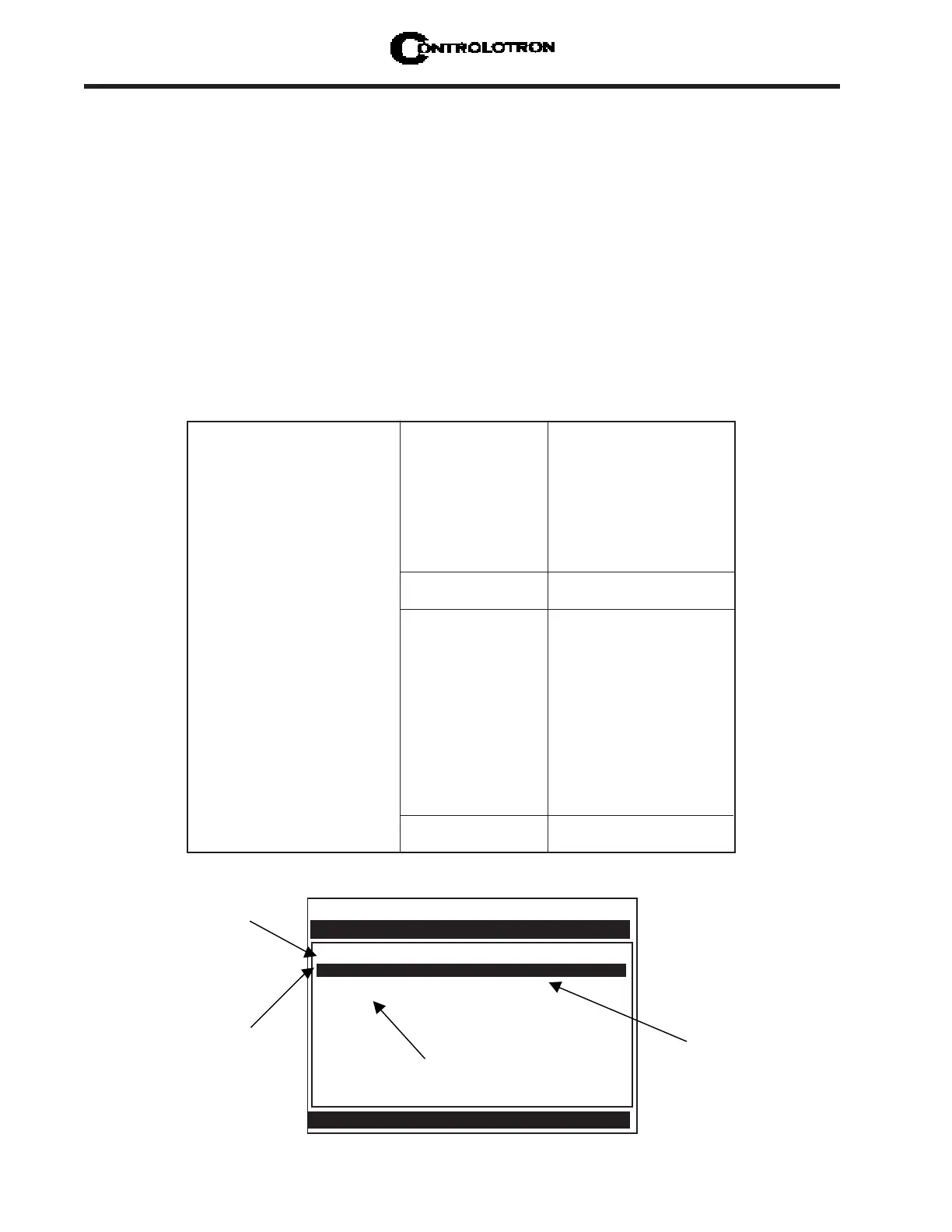
THE STRIPCHART SETUP MENU STRUCTURE
Stripchart Setup Select Data LiquIdent
Visc
Temp
Vs
Valc
Vaer
Vfo
Vfab
Data Display Data Rate Units
Percent of Span
Time Base 1 Second
3 seconds
6 seconds
12 seconds
24 seconds
1 minute
3 minutes
6 minutes
12 minutes
24 minutes
1.2 hours
Stripchart Clear Yes
No
ð
ô
ð
ô
ð
ô
ô
ô
ô
ô
ð
ð
ô
ð
ð
ð
ð



 To Next Page