1-9
1010PVNFM-3ASection 1
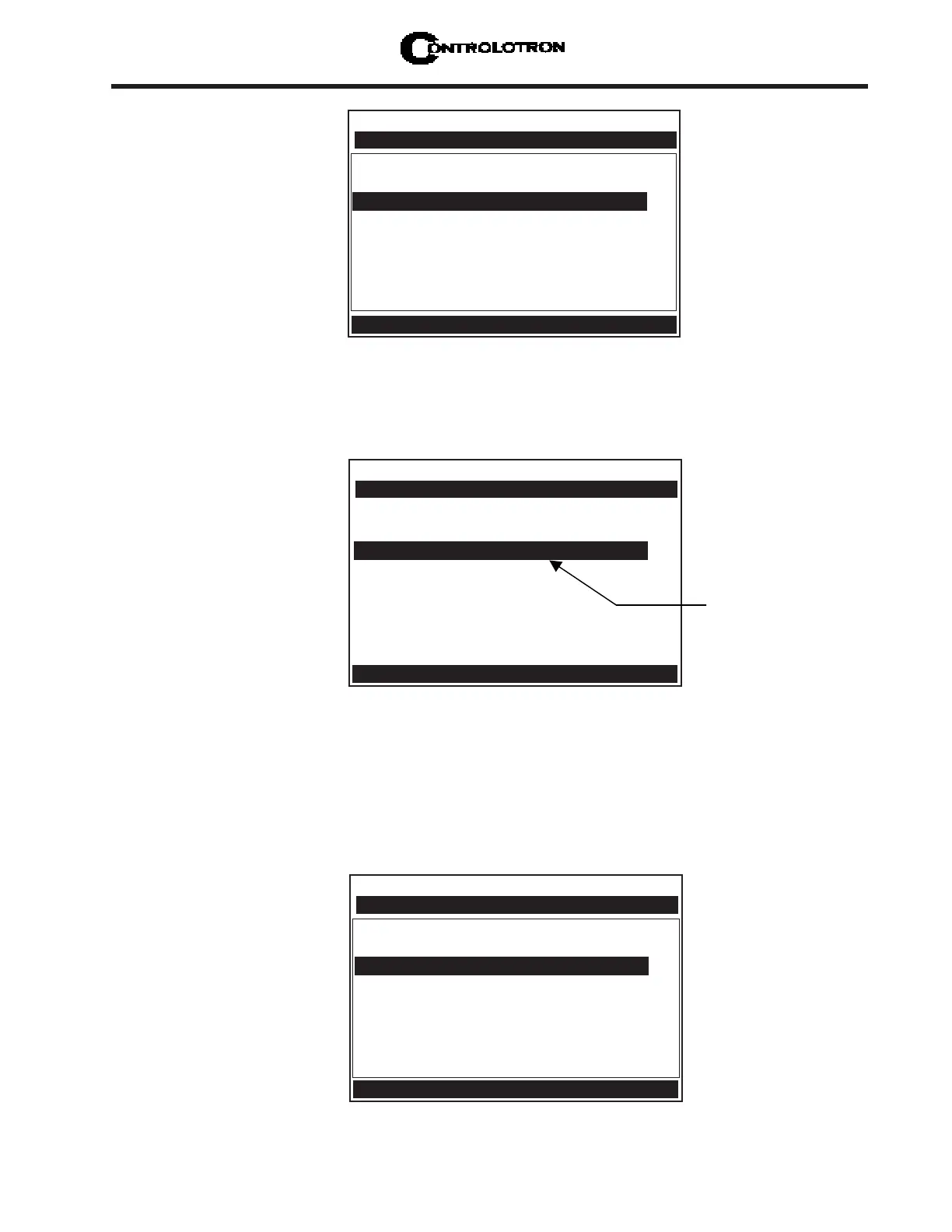
3. Press and hold the <Up Arrow>. Note that the character position begins to scroll upward
through the alphabet of capital letters. Continue to scroll until block cursor shows [S].
Press the <Right Arrow>.
NOTE: The character [S] remains at the first character position and the block cursor
moves to the second character position.
Controlotron Dual Path 2IN
Recall Site Setup No Sites
Channel Enable No
Create/Name Site ?
nn
nn
n
Site Security Off
Delete Site Setup No Sites
Save/Rename Site
Right Arrow & Enter Creates a new Site
Channel/Path Setup
This block cursor is
currently placed at
the first character
position.
Controlotron Dual Path 2IN
Recall Site Setup No Sites
Channel Enable No
Create/Name Site ?S
nn
nn
n
Site Security Off
Delete Site Setup No Sites
Save/Rename Site
Right Arrow & Enter Creates a new Site
Channel Setup
2. Press the <Right Arrow>. Note that the cursor changes to a block, which appears after a
question mark (?). This indicates that you have accessed the first character position of an
eight-character (max.) alphanumeric entry field.
Controlotron Dual Path 2IN
Recall Site Setup No Sites
Channel Enable No
Create/Name Site
Site Security Off
Delete Site Setup No Sites
Save/Rename Site
Right Arrow & Enter Creates a new Site
Channel/Path Setup



 To Next Page