2-33
1010PVNFM-3A
Section 2
Controlotron Dual Path SITE1
Transducer Model 1011 Universal
Transducer Size B3
Xdcr Mount Mode Reflect
Spacing Offset Minimum
Flow
Number Index 7
Spacing Method Track 1012TP
Ltn Value (in)
ReversaMatic
Install Completed? ZeroMatic
Empty Pipe Set Auto Zero
Zero Flow Adjust Actual Zero
ZeroClr
Conformans Indicated flow to Actual Zero
Pick/Install Xdcr
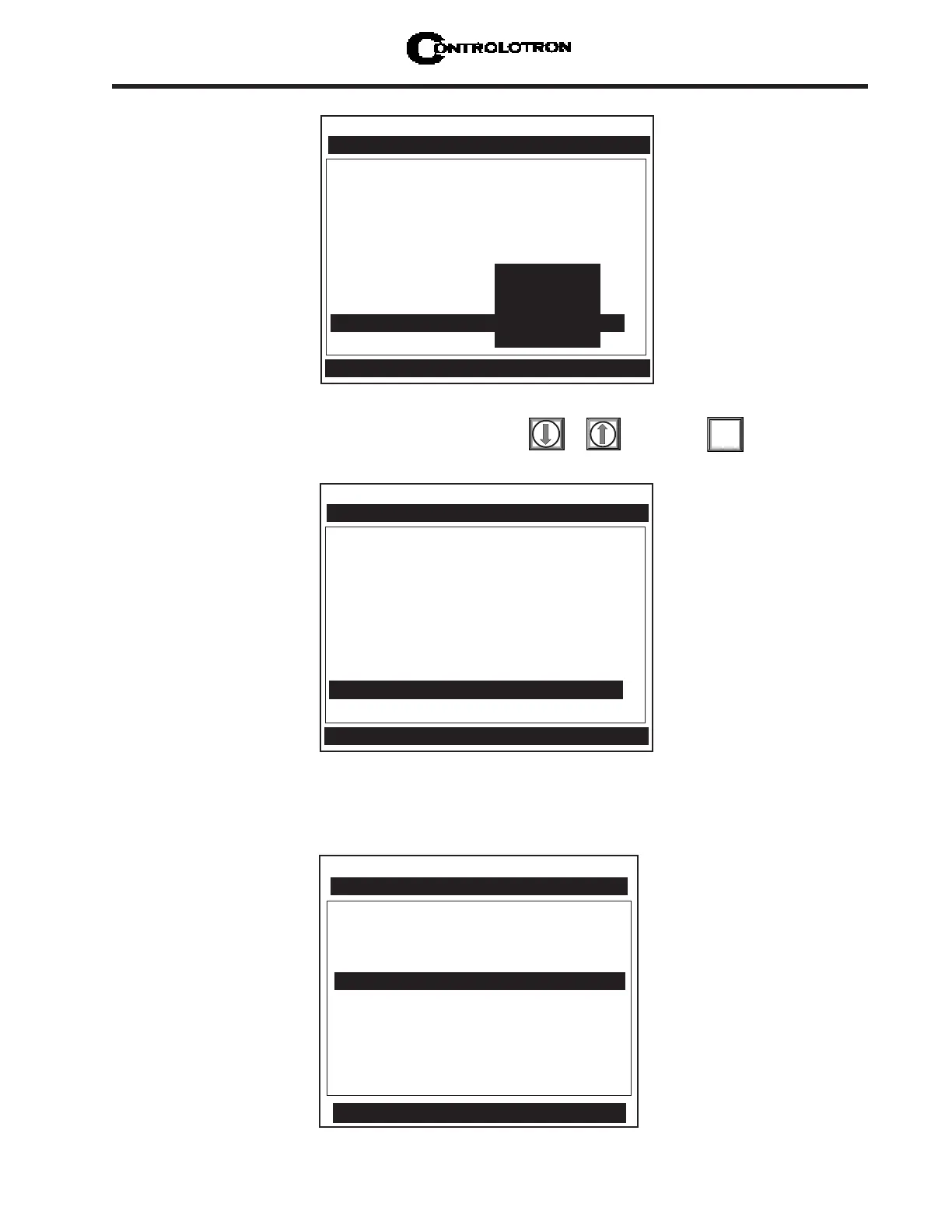
Select the [ZeroMatic] menu cell by pressing or then press
ENT
Controlotron Dual Path SITE1
Transducer Model 1011 Universal
Transducer Size B3
Xdcr Mount Mode Reflect
Spacing Offset Minimum
Flow
Number Index 7
Spacing Method Track 1012TP
Ltn Value (in) 0.778
Install Completed?
ZeroMatic
Empty Pipe Set Auto Zero
Zero Flow Adjust ZeroMatic
Zeroclr
ZeroMatic Active [6:.................:0]
Pick/Install Xdcr
When the inital makeup of ZeroMatic
TM
is complete the screen will return to the Pick/Install
Xdcr menu and automatically highlight [Operation Adjust], which is the next menu cell.
Channel/Path Setup
Pipe Data
Application Data
Pick/Install Xdcr
Operation Adjust
Flow/Total Units
Data Span/Set/Cal
Stripchart Setup
Datalogger Setup
I/O Data Control
Diagnostic Data
Controlotron Dual Path SITE 1
Dual Path Flow
Conforms operation to user Preferences



 To Next Page