43
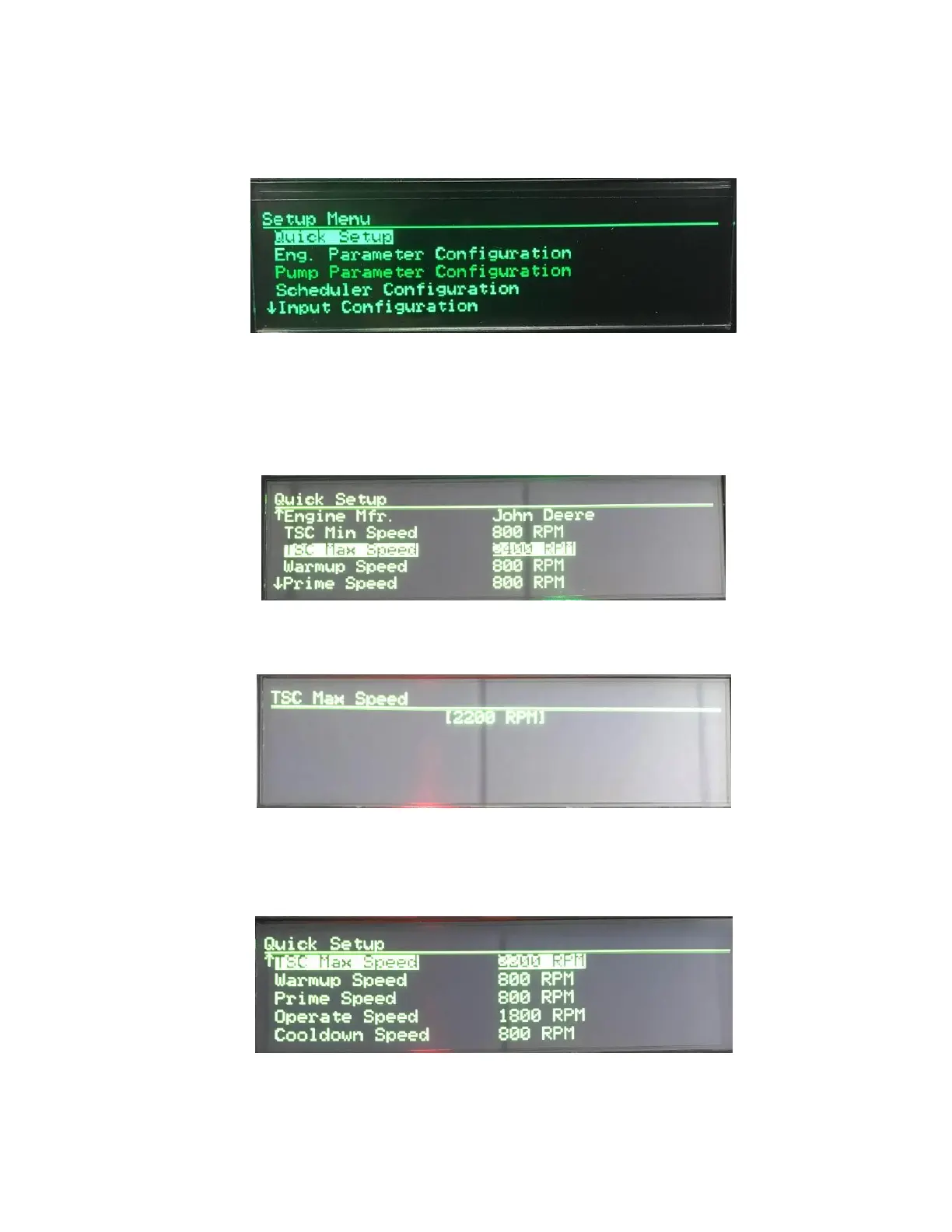
SETUP MENU
Navigating the Controller Setup menu structure is done in the same manner as the Main Menu
system. Up and Down arrows will scroll to the next topic; Enter button will access the topic, etc.
To make changes to the settings, you will need to locate the item you are looking to modify under the
appropriate topic and then press the Enter button.
The editing brackets will appear allowing you to make changes to the value or change the selection.
Once you have made your selection or changed the value, simply press Enter again to accept it and
the editing brackets will be removed.


 To Next Page