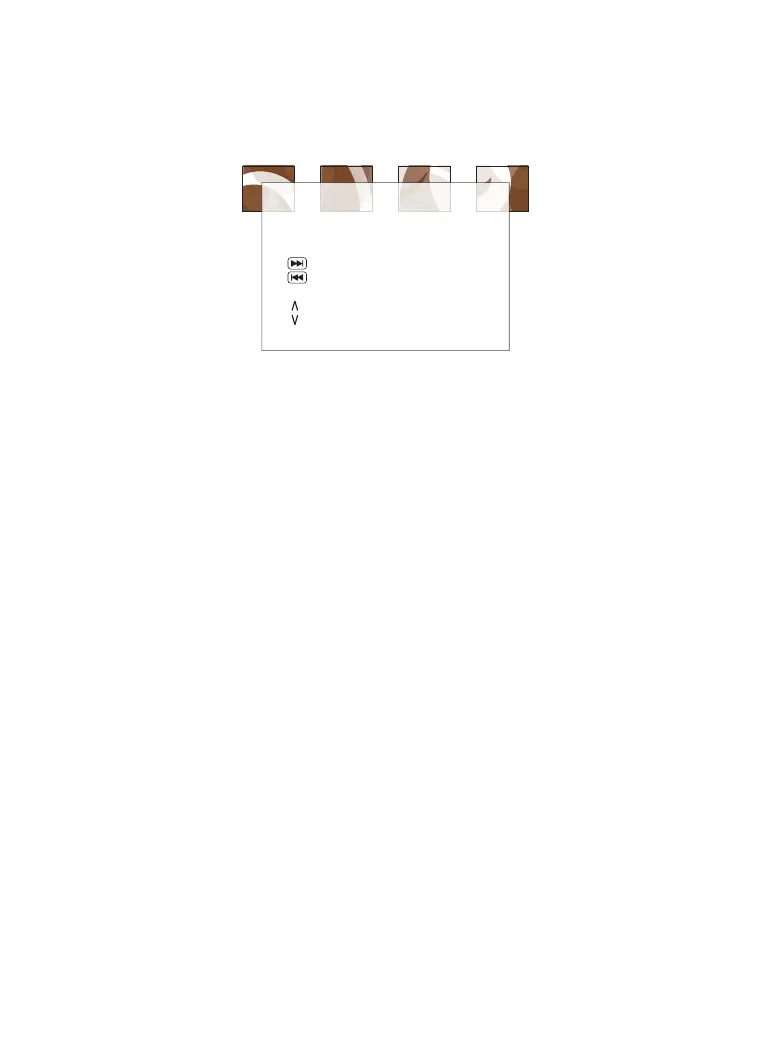
Image Rotation
During picture play, press the Direction key to rotate the picture.
Connect to USB
You can play or view the supported format, such as the MP3/WMA, Video
in AVI and JPEG photos. Insert the USB device into the USB port on the
right side of your portable DVD player. The portable DVD player supports
USB devices up to 32GB.
(Note:
Not all USB devices can be read well, which may result in playback issues.)
When the disc playback is in stop mode, press the CARD/USB button on
the unit or the remote control, and then press the direction button
UP/DOWN to select the USB, and press enter. Then select which you want
to play by pressing the direction button.
USB Interface
All functions are the same as playing a disc.
Note: The USB port is compatible with flash drives. Some MP3 players
using proprietary software may not be compatible.
Connect to SD/MMC Memory Card
Plug a SD or MMC card into the SD/MMC Memory Slot.
Switch unit to Card Mode by pressing the USB/CARD button.
Use the Directional buttons to select videos or image. Press the Enter
button to play.
The portable DVD player supports Memory Cards up to 32GB.
1.
2.
3.
4.
Remote Key Function
Program
Stop
Play
TRANSITION Effect
Thumbnail Mode
Next Picture
Previous Picture
Picture Mode
Invert
Mirror
01 02 03 04 05
06 07 08 09 10 11 12 13
14 15 16 17
18 19 20 21
22 23 24 25 26 27 28


 To Next Page