Note:
Please make sure you have inserted the SD card correctly and it not be
damaged. Always stop play or change to another mode before removing
the USB/memory card.
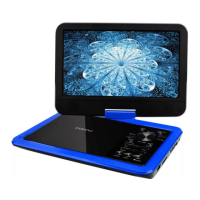
Rotate the Screen
The screen can be rotated right 90 degrees and rotated left 180 degrees,
when it is rotated left 180 degrees, it can be folded just like a “Pad".
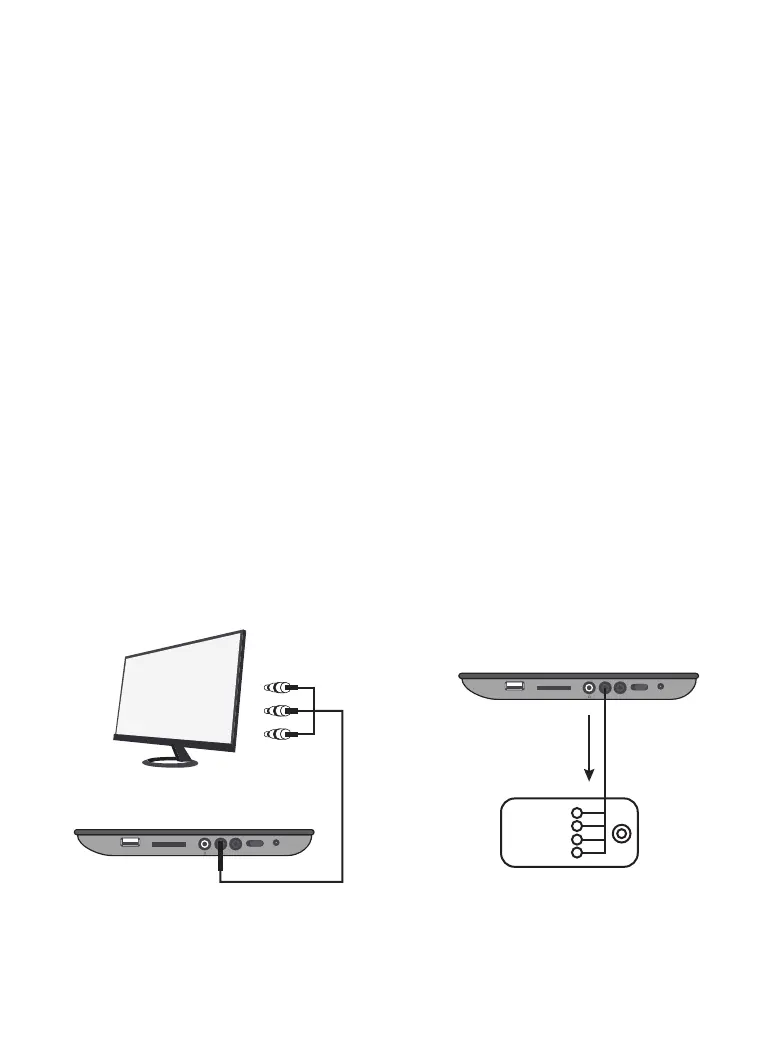
Connecting External TV
Your player comes equipped with an AV output jack. Use this feature to
connect the player’s signal to external equipment (e.g. TV, monitor).
Please refer to the image as below to connect them:
Connect the 3.5mm-RCA Cable to the AV Output on the unit and the
audio/video inputs on the Television (Red to Red, White to White, and
Yellow to Yellow).
Turn the unit on by switching the Power Button to the on position.
Change the television to the correct audio/video input setting.
Audio and the video played through the unit will now be seen and heard
on the connected television.
1.
2.
3.
4.
USB CARD
AV OUT AV IN
OFF ON DC IN 12V
USB CARD
AV OUT AV IN
OFF ON DC IN 12V
RCA Cable
TV connection
Video IN
Audio IN
L
R
01 02 03 04 05
06 07 08 09 10 11 12 13
14 15 16 17 18
19 20 21
22 23 24 25 26 27 28


 To Next Page