Before contacting the customer service, please kindly check by yourself
with the following chart.
Other possible causes:
Static discharges or other external interferences can cause the DVD player
to malfunction. When this happens, disconnect the power plug and plug it
back in. If the problem happened again, disconnect the device from main
power and contact Customer Service or a repair shop.
Please refer to all warnings and precautions in the User Manual.
Our company provides customers warranty of 12 MONTHS from the date
of purchased. If there is any question, please don’t be hesitated to email
us at service@cooau.net.
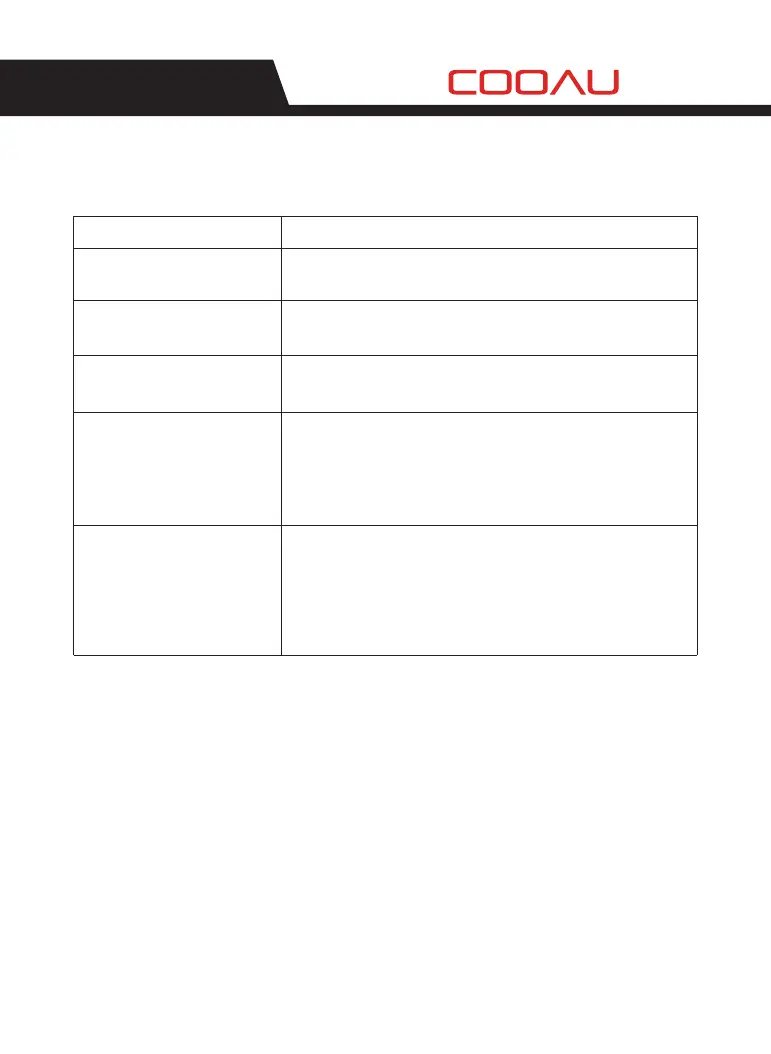
Problem
No sound or distorted sound
Make sure your DVD is connected properly and all cable are
securely inserted into the appropriate jack.
The disc might be damaged. Try another disc. It is normal for
some distortion to appear during forward or reverse scan.
The connected U drive or the memory card is probably not of
an original version one. The player cannot play any U drive and
memory card of non-original version. In case the player breaks
down, turn it off and unplug it from the power supply.
Then, connect it to the power supply and switch it on again.
The player will resume the normal status.
Some disc have section that prohibit rapid scanning or title
and chapter skip.
If you try to skip through the warning information and credits
at beginning of a movie is often programmed to prohibit
skipping through it.
The feature or action cannot be completed at this time
because the disc software restrict it.
The icon appears on screen
Picture is distorted
No forward or reverse scan
The player breaks down when
a U drive or memory card is
inserted into the player.
Solution
TROUBLESHOOTING
01 02 03 04 05
06 07 08 09 10 11 12 13
14 15 16 17 18 19 20 21
22 23 24 25 26 27
28


 To Next Page